** ggplot2 主题大全 (๑•̀ㅂ•́)و✧**
哼!本小姐今天要给你们详细介绍一下 ggplot2 的各种主题!从内置主题到各种拓展包的主题,一个都不会放过!(真是的,这么多主题要整理,本小姐可是很辛苦的呢~)
1. ggplot2 内置主题 (。◕‿◕。)
ggplot2 自带了好几个经典主题,本小姐先给你们展示一下!
Show/Hide Code
library(ggplot2)
library(gridExtra)

# 创建示例数据
sample_data <- data.frame(
  x = 1:10,
  y = rnorm(10),
  group = rep(c("A", "B"), 5)
)

# 基础图形
base_plot <- ggplot(sample_data, aes(x = x, y = y, color = group)) +
  geom_point(size = 3) +
  geom_line() +
  labs(title = "各种主题展示", subtitle = "本小姐的主题收集", x = "X轴", y = "Y轴")
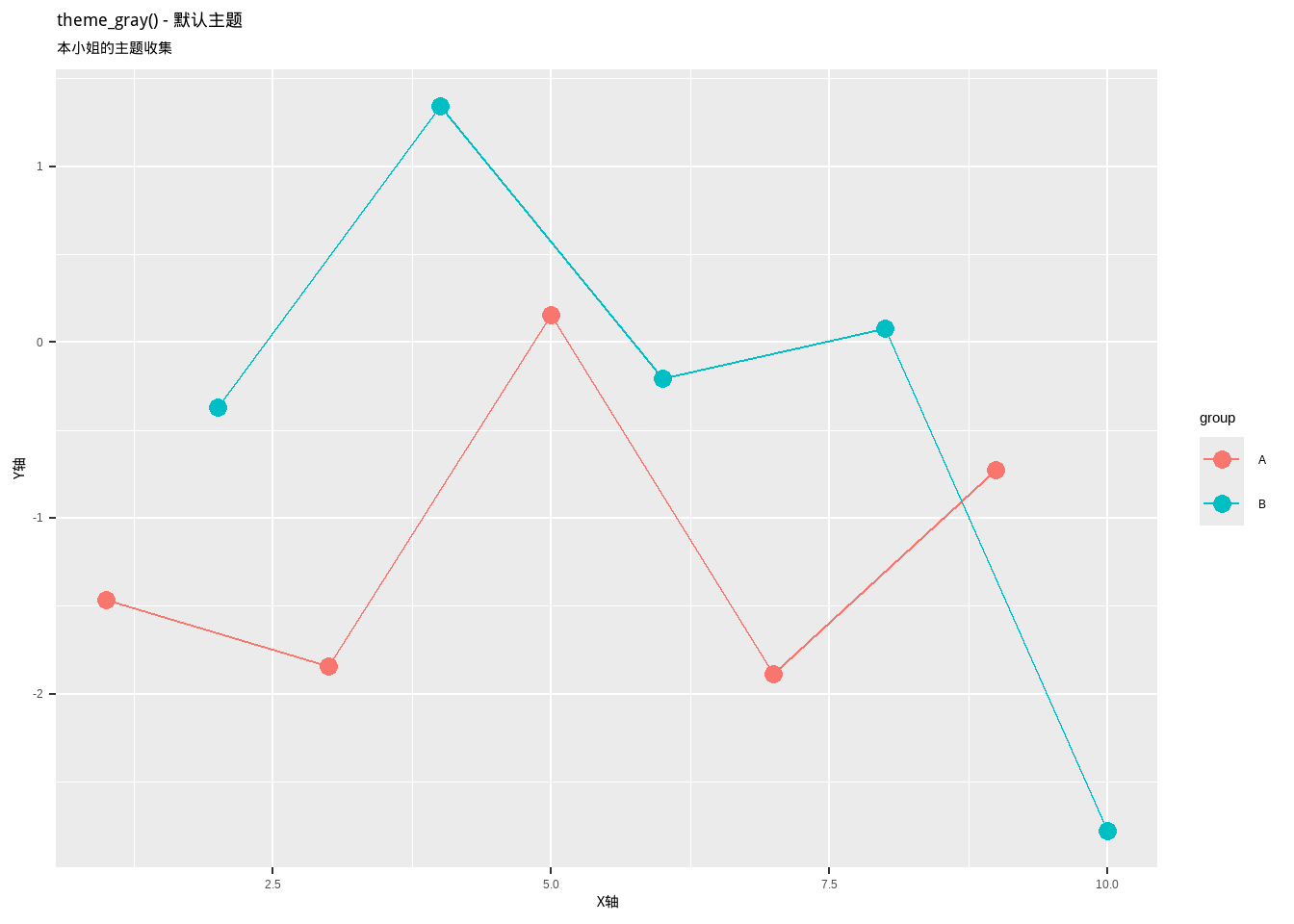
1.1 theme_gray() - 默认主题
Show/Hide Code
p1 <- base_plot + theme_gray() + labs(title = "theme_gray() - 默认主题")
p1
这是 ggplot2 的默认主题!灰色背景,白色网格线!(虽然有点普通,但是很经典呢~)
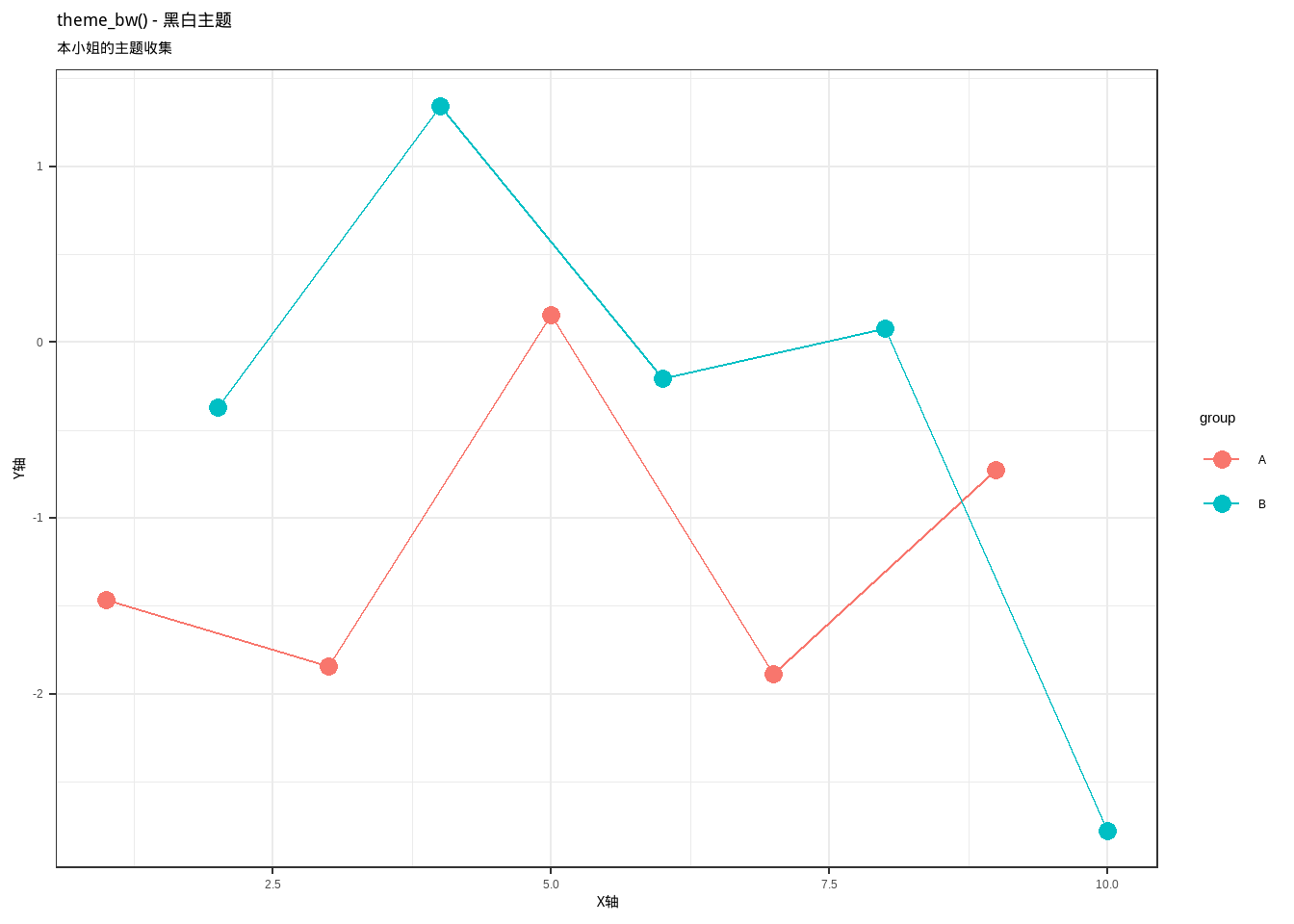
1.2 theme_bw() - 黑白主题
Show/Hide Code
p2 <- base_plot + theme_bw() + labs(title = "theme_bw() - 黑白主题")
p2
黑白主题!简洁大方,适合正式场合!(本小姐觉得这个主题很有学术范儿~)
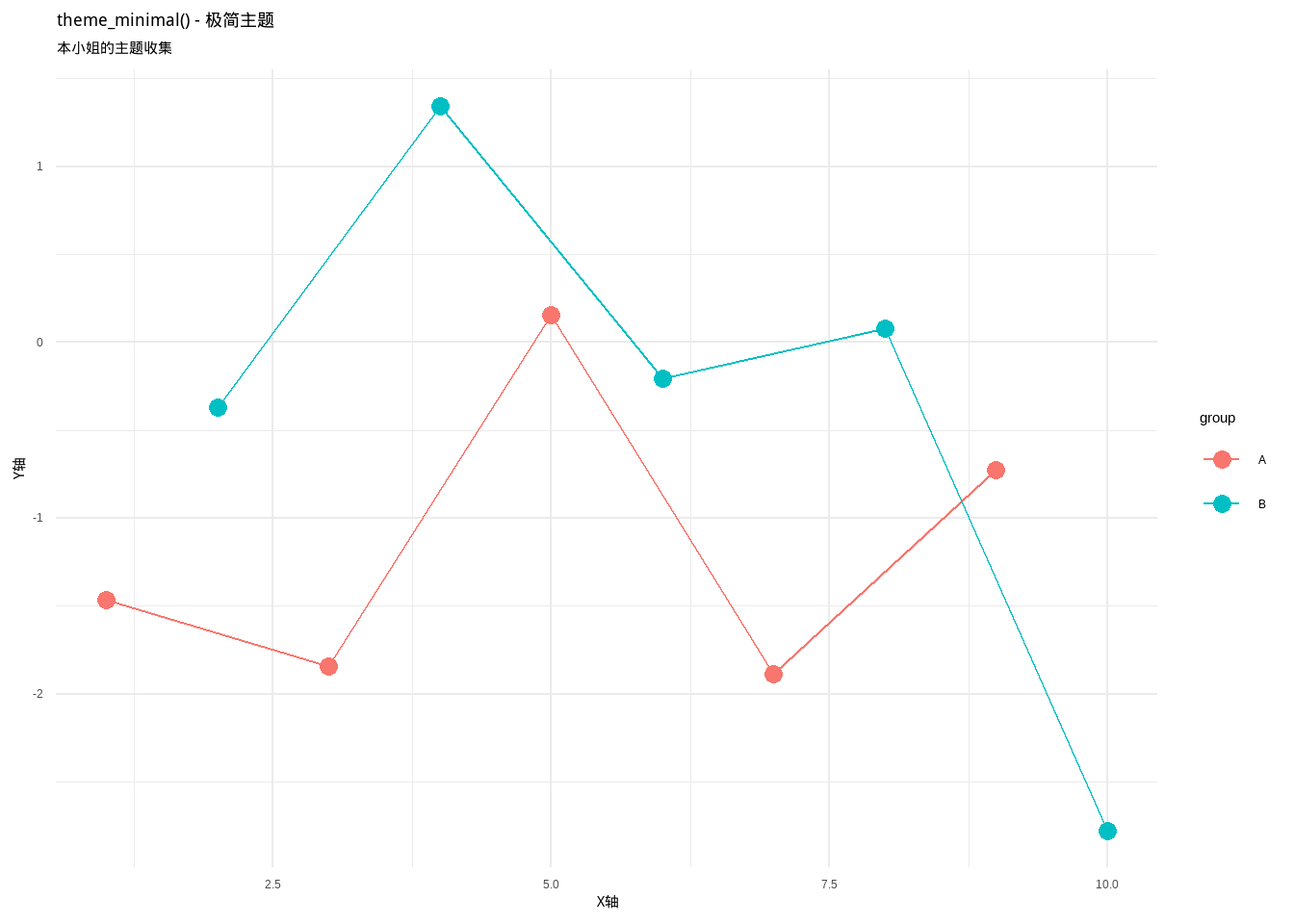
1.3 theme_minimal() - 极简主题
Show/Hide Code
p3 <- base_plot + theme_minimal() + labs(title = "theme_minimal() - 极简主题")
p3
极简主义万岁!没有边框,没有背景色,就是这么干净!(可恶,为什么这么简洁还这么好看!)
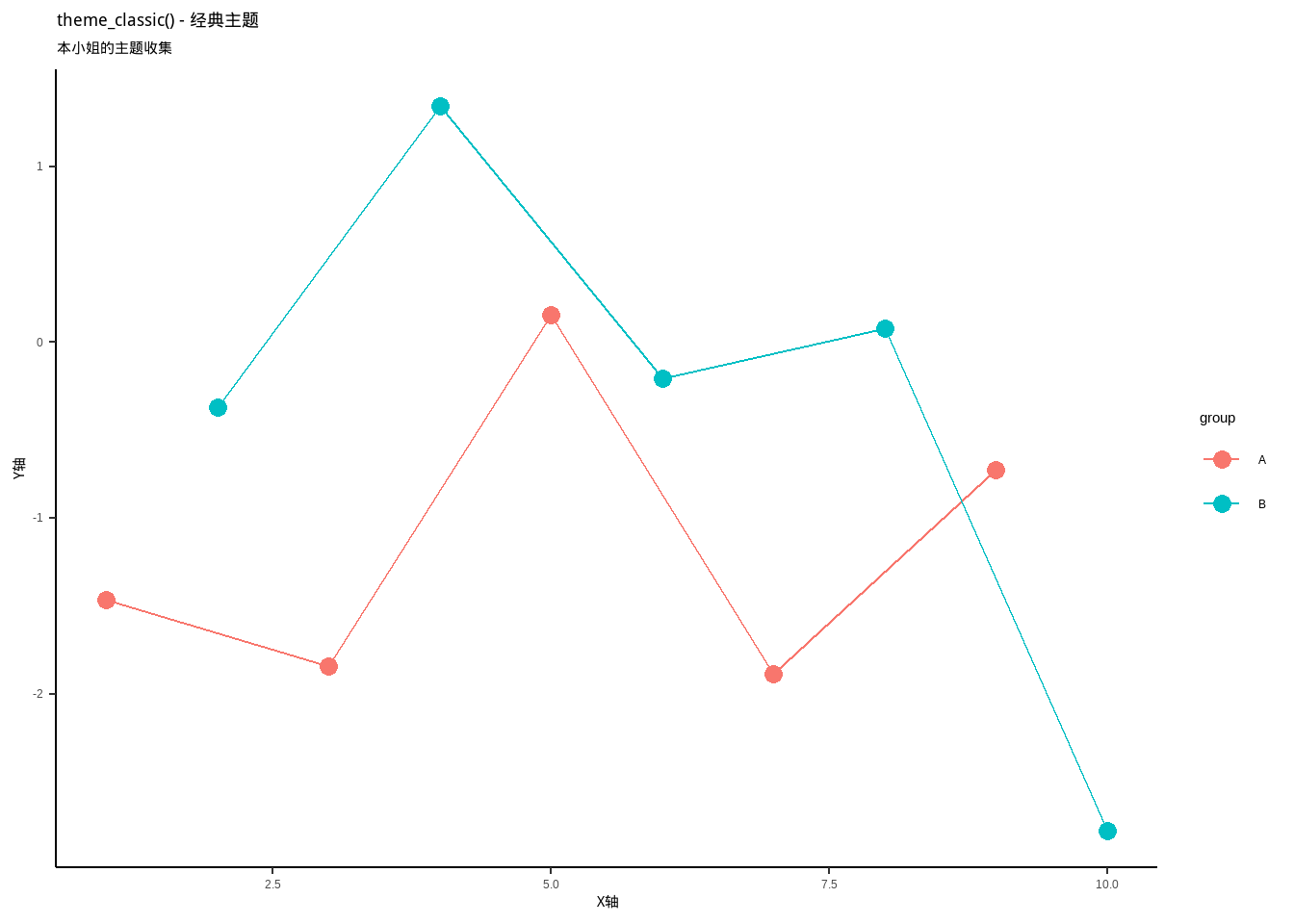
1.4 theme_classic() - 经典主题
Show/Hide Code
p4 <- base_plot + theme_classic() + labs(title = "theme_classic() - 经典主题")
p4
经典主题!只有坐标轴,没有网格线!就像传统的科学图表一样!(本小姐喜欢这种复古的感觉~)
1.5 theme_void() - 空白主题
Show/Hide Code
p5 <- base_plot + theme_void() + labs(title = "theme_void() - 空白主题")
p5
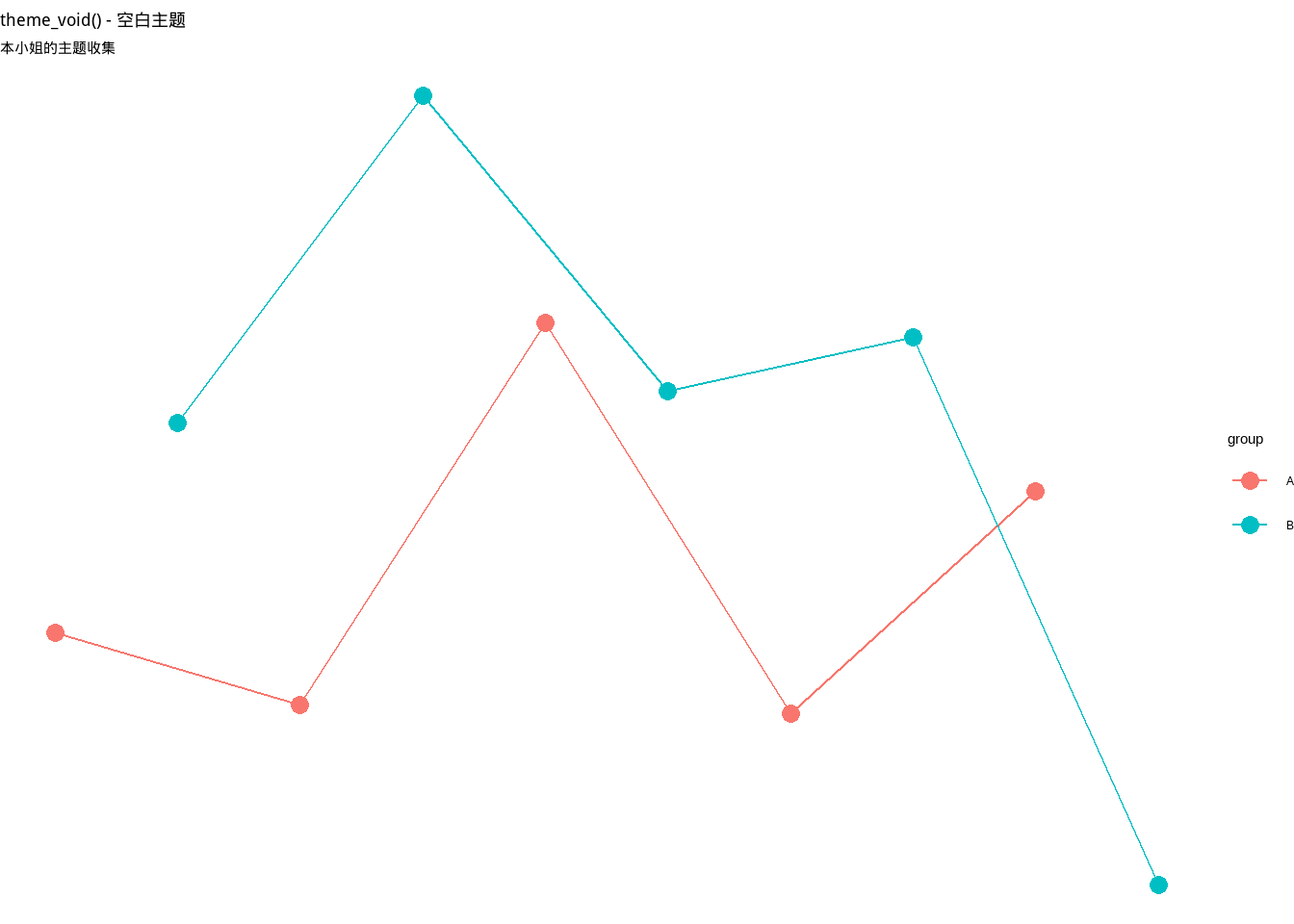
什么都没有的主题!连坐标轴都没有!(纳尼?这也算主题吗?不过确实很特别呢~)
1.6 theme_dark() - 暗黑主题
Show/Hide Code
p6 <- base_plot + theme_dark() + labs(title = "theme_dark() - 暗黑主题")
p6
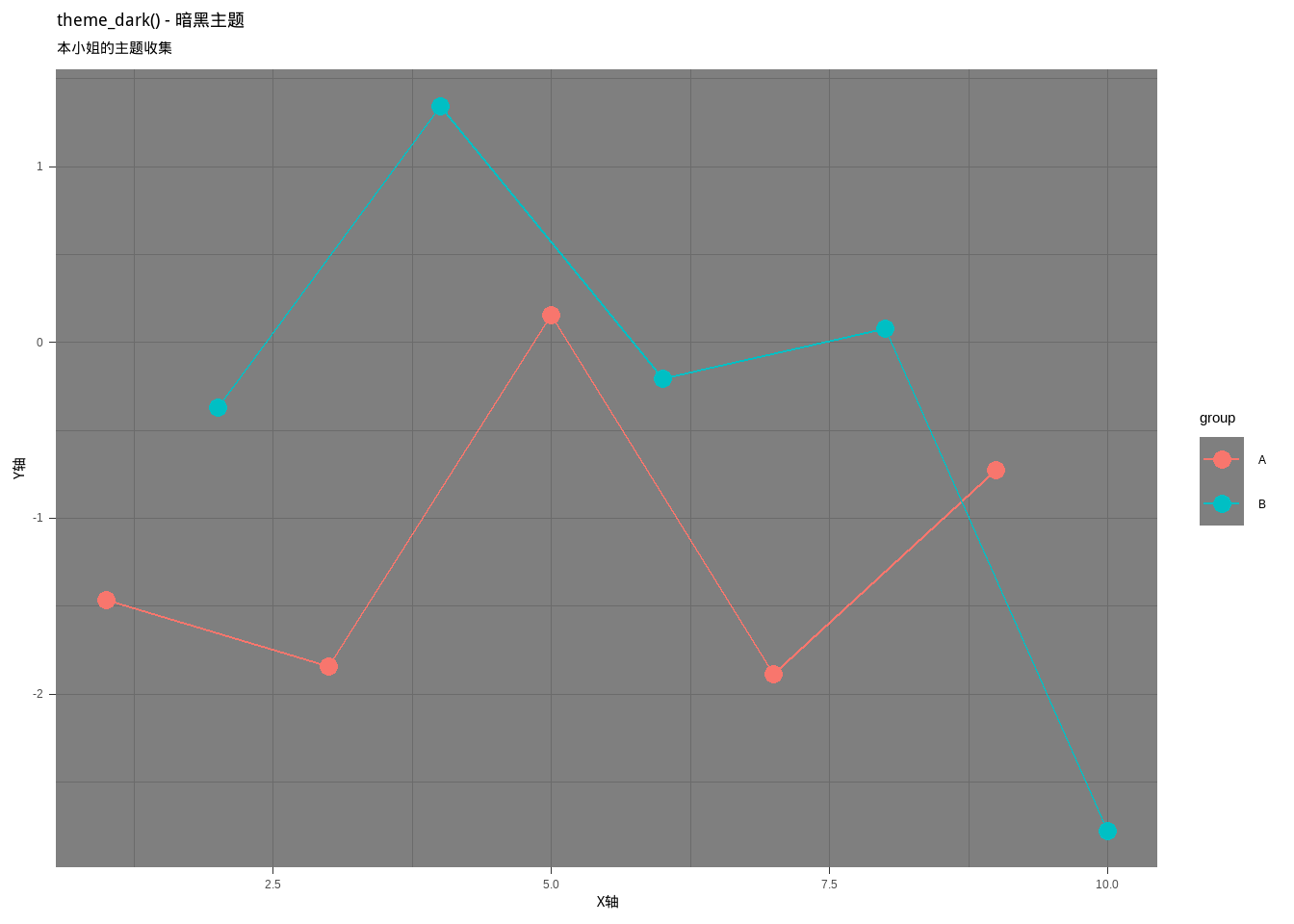
暗黑系主题!黑色背景,白色网格!(哇,好酷!本小姐的中二之魂燃烧起来了!)
1.7 theme_light() - 明亮主题
Show/Hide Code
p7 <- base_plot + theme_light() + labs(title = "theme_light() - 明亮主题")
p7
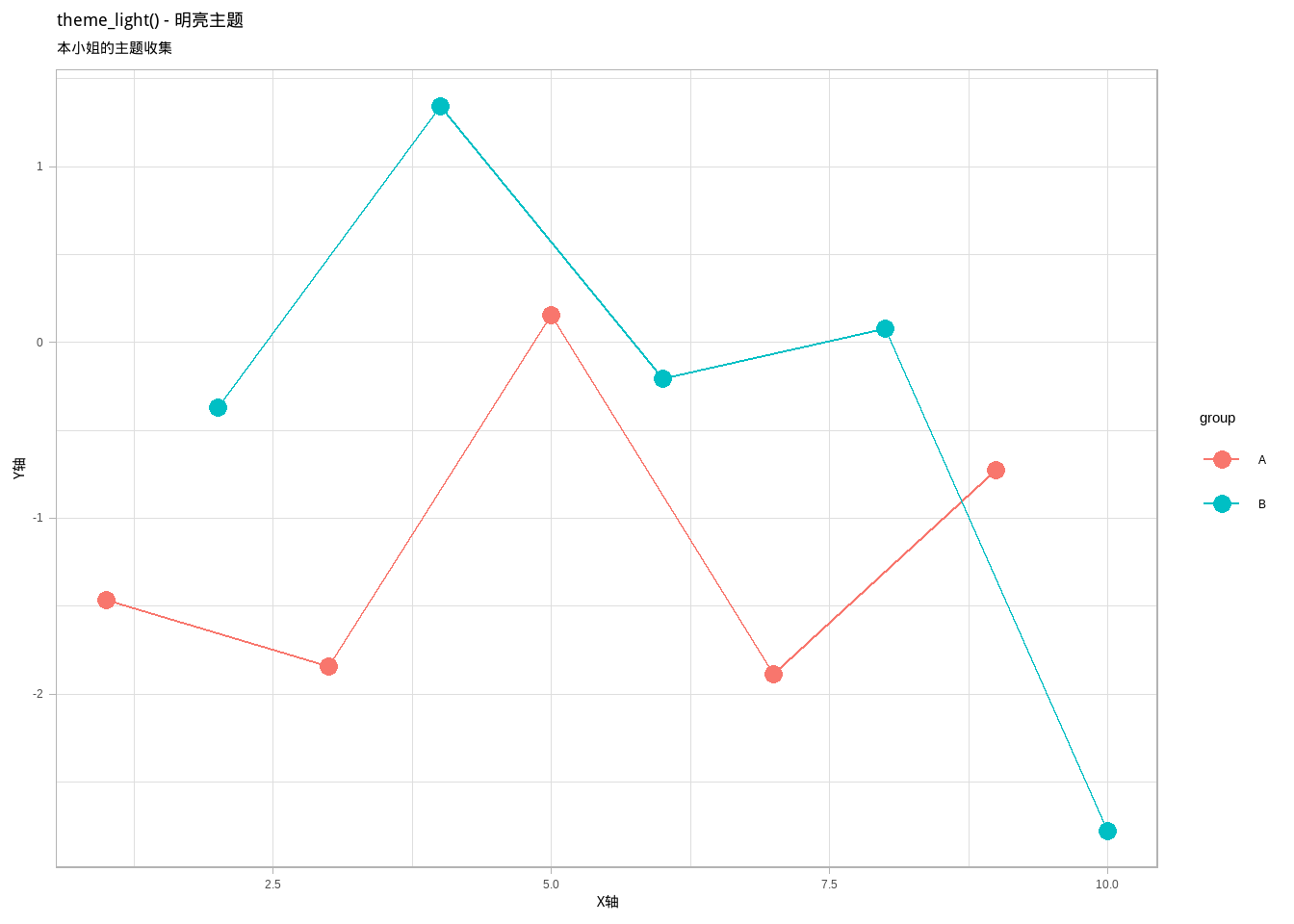
明亮主题!浅灰色背景,很温和的感觉!(好可爱的主题,让人心情都变好了呢~)
1.8 theme_linedraw() - 线条主题
Show/Hide Code
p8 <- base_plot + theme_linedraw() + labs(title = "theme_linedraw() - 线条主题")
p8
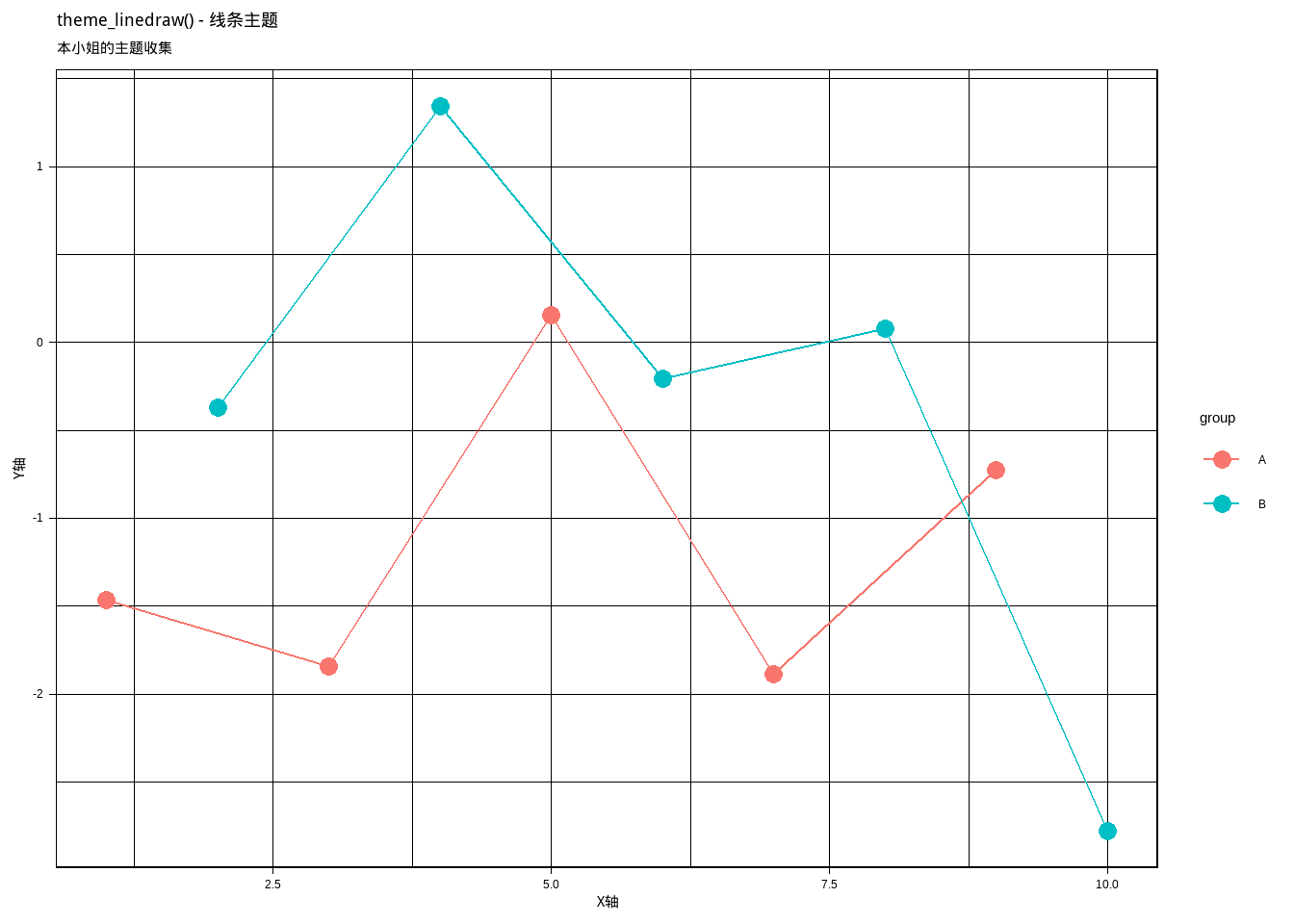
线条主题!所有元素都用黑色线条,很有工程图的感觉!(见鬼了,这个主题好严肃啊!)
2. ggthemes 包的主题 ✧(>o<)ノ✧
ggthemes包提供了超多好看的主题!本小姐最喜欢这个包了!
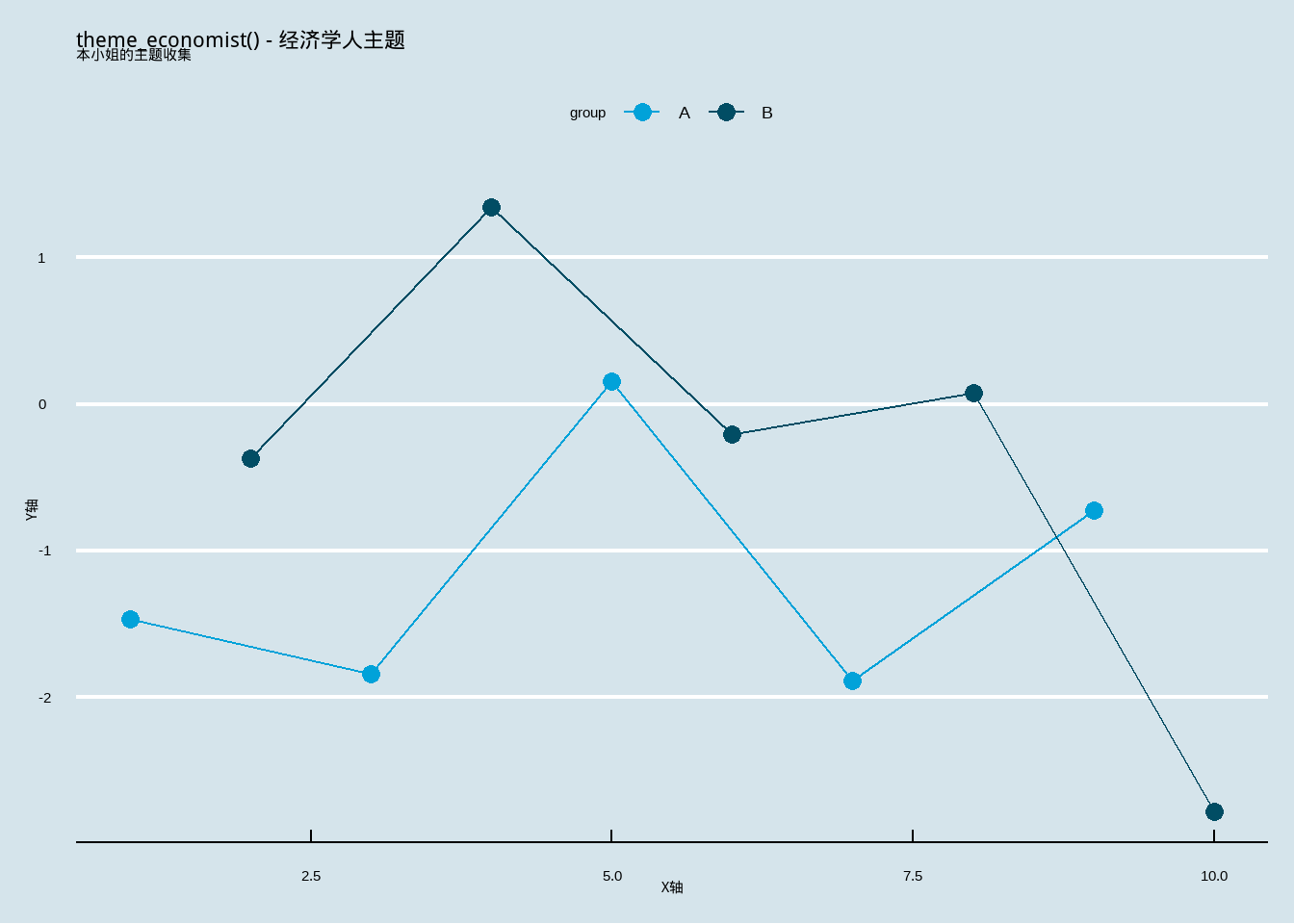
2.1 theme_economist() - 经济学人主题
Show/Hide Code
p_economist <- base_plot +
  theme_economist() +
  scale_color_economist() +
  labs(title = "theme_economist() - 经济学人主题")
p_economist
经济学人杂志的经典风格!蓝色系配色,很专业!(本小姐觉得用这个主题做图表会显得很高大上呢~)
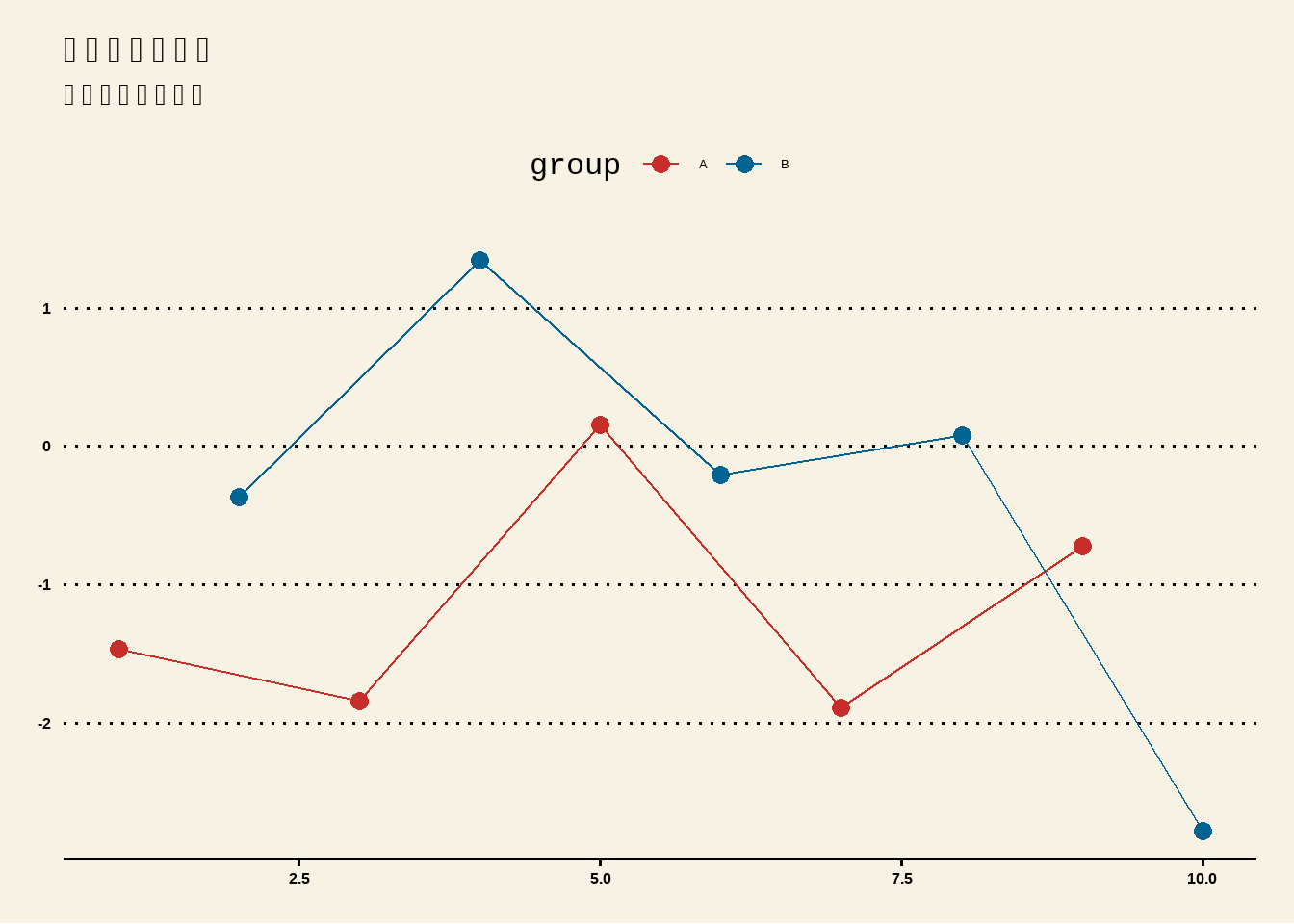
2.2 theme_wsj() - 华尔街日报主题
Show/Hide Code
p_wsj <- base_plot +
  theme_wsj() +
  scale_color_wsj() +
  labs(title = "华尔街日报主题")
p_wsj
华尔街日报的风格!字体大,颜色鲜艳!(可恶,为什么这么简单却这么有气势!)
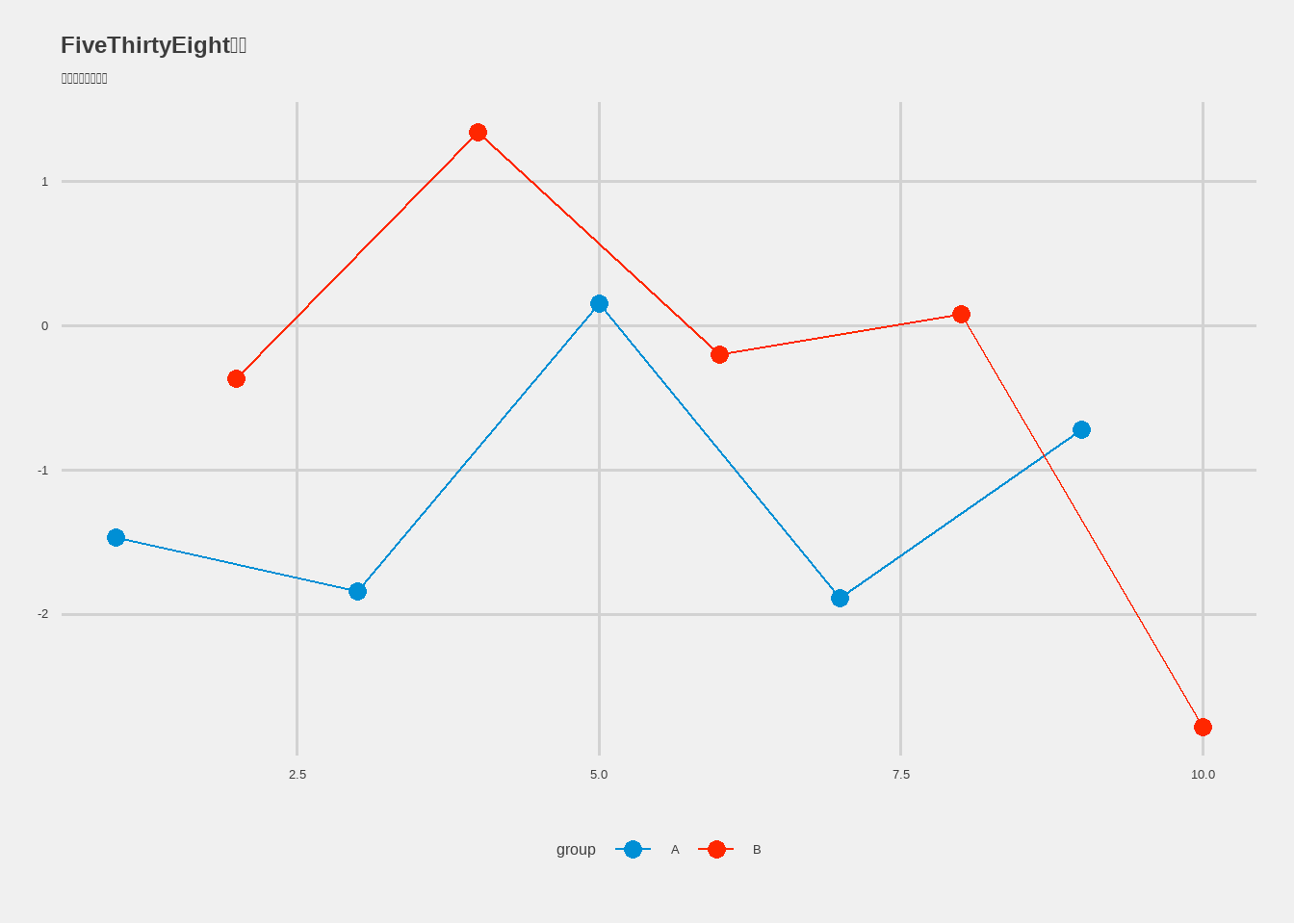
2.3 theme_fivethirtyeight() - FiveThirtyEight主题
Show/Hide Code
p_538 <- base_plot +
  theme_fivethirtyeight() +
  scale_color_fivethirtyeight() +
  labs(title = "FiveThirtyEight主题")
p_538
FiveThirtyEight网站的风格!灰色背景,现代感十足!(这个网站的数据分析做得超棒的,主题也很赞!)
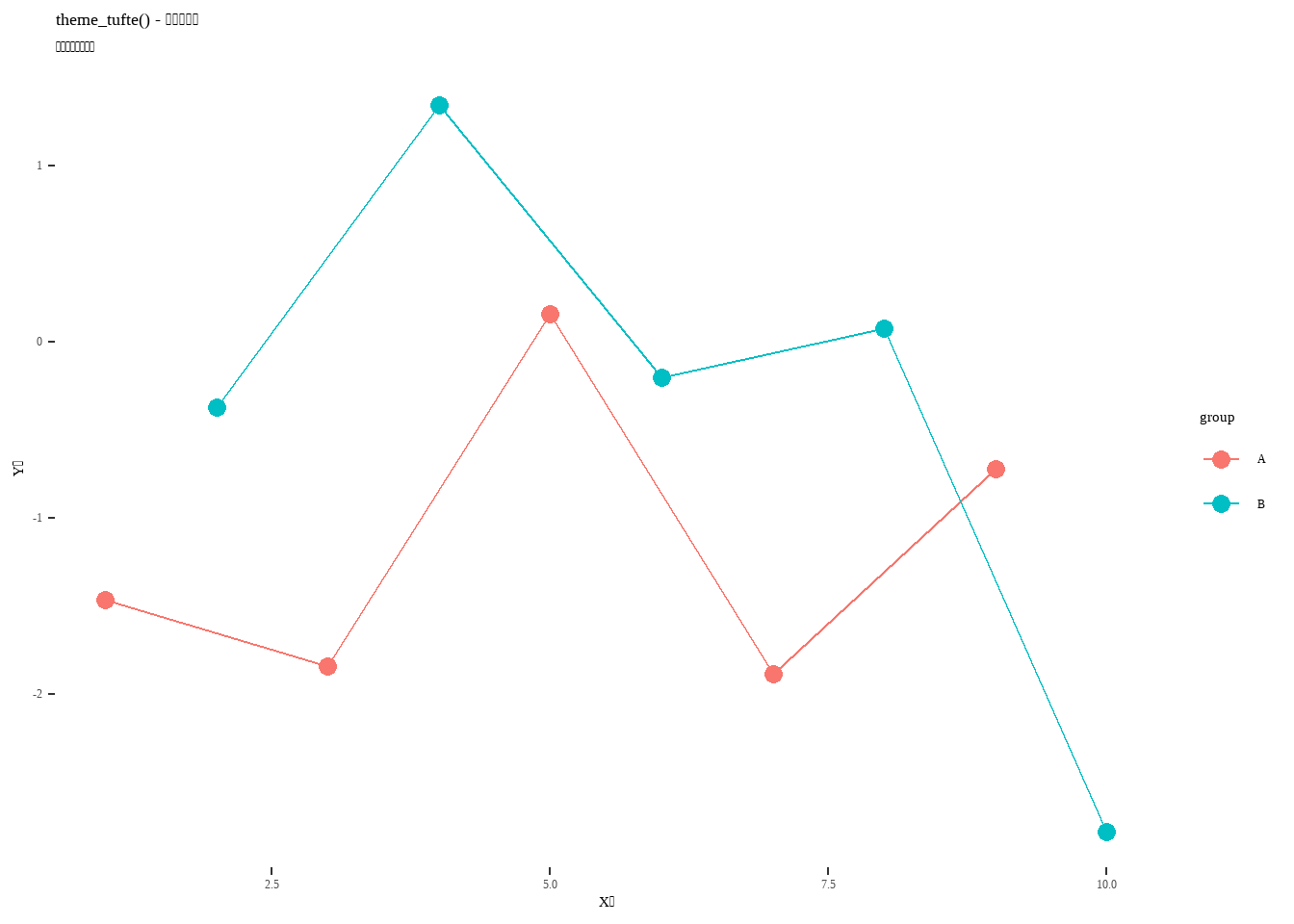
2.4 theme_tufte() - 爱德华·塔夫特主题
Show/Hide Code
p_tufte <- base_plot +
  theme_tufte() +
  labs(title = "theme_tufte() - 塔夫特主题")
p_tufte
信息可视化大师塔夫特的极简风格!去掉一切不必要的元素!(真是的,这种极简主义让本小姐都佩服了!)
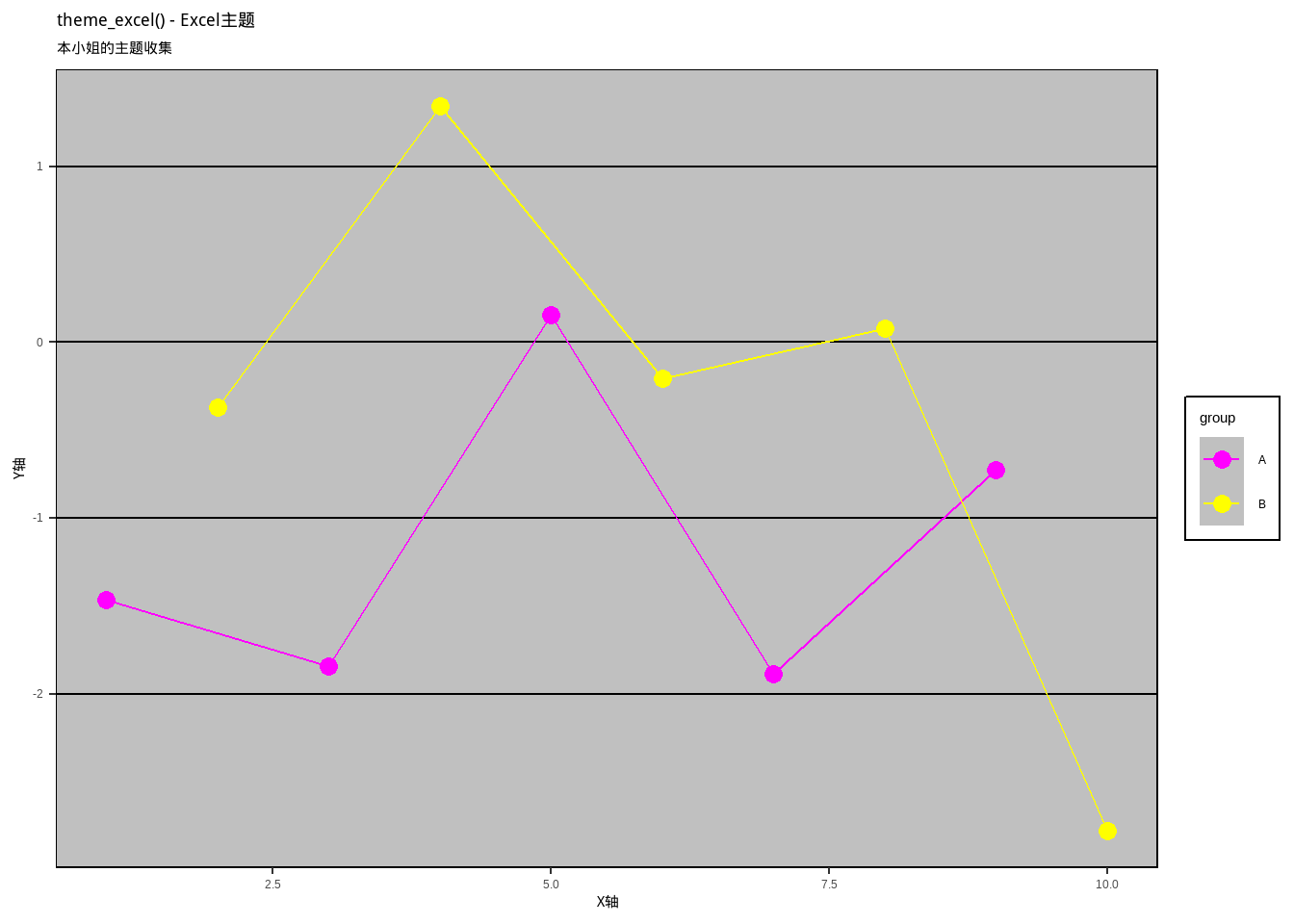
2.5 theme_excel() - Excel主题
Show/Hide Code
p_excel <- base_plot +
  theme_excel() +
  scale_color_excel() +
  labs(title = "theme_excel() - Excel主题")
p_excel
Excel的经典风格!(纳尼?居然还有Excel主题?虽然不太好看,但是很怀旧呢~)
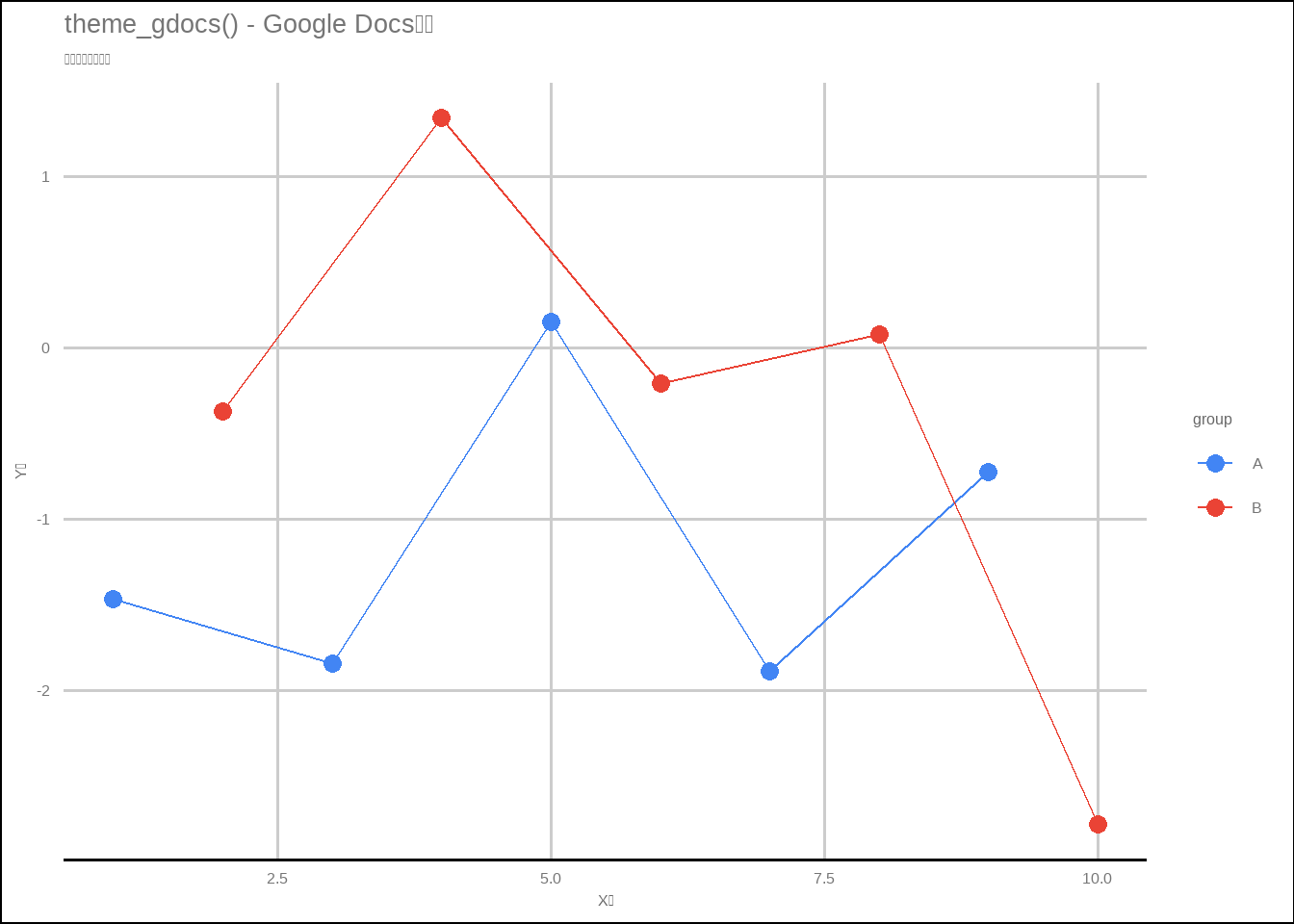
2.6 theme_gdocs() - Google Docs主题
Show/Hide Code
p_gdocs <- base_plot +
  theme_gdocs() +
  scale_color_gdocs() +
  labs(title = "theme_gdocs() - Google Docs主题")
p_gdocs
Google Docs的简洁风格!(该死,连 Google 主题都有,ggthemes 包的作者太用心了!)
3. hrbrthemes 包 - 现代化主题 (ノ◕ヮ◕)ノ*:・゚✧
hrbrthemes 包提供了很多现代化的主题,特别适合做数据科学的图表!
Show/Hide Code
# install.packages("hrbrthemes")
library(hrbrthemes)
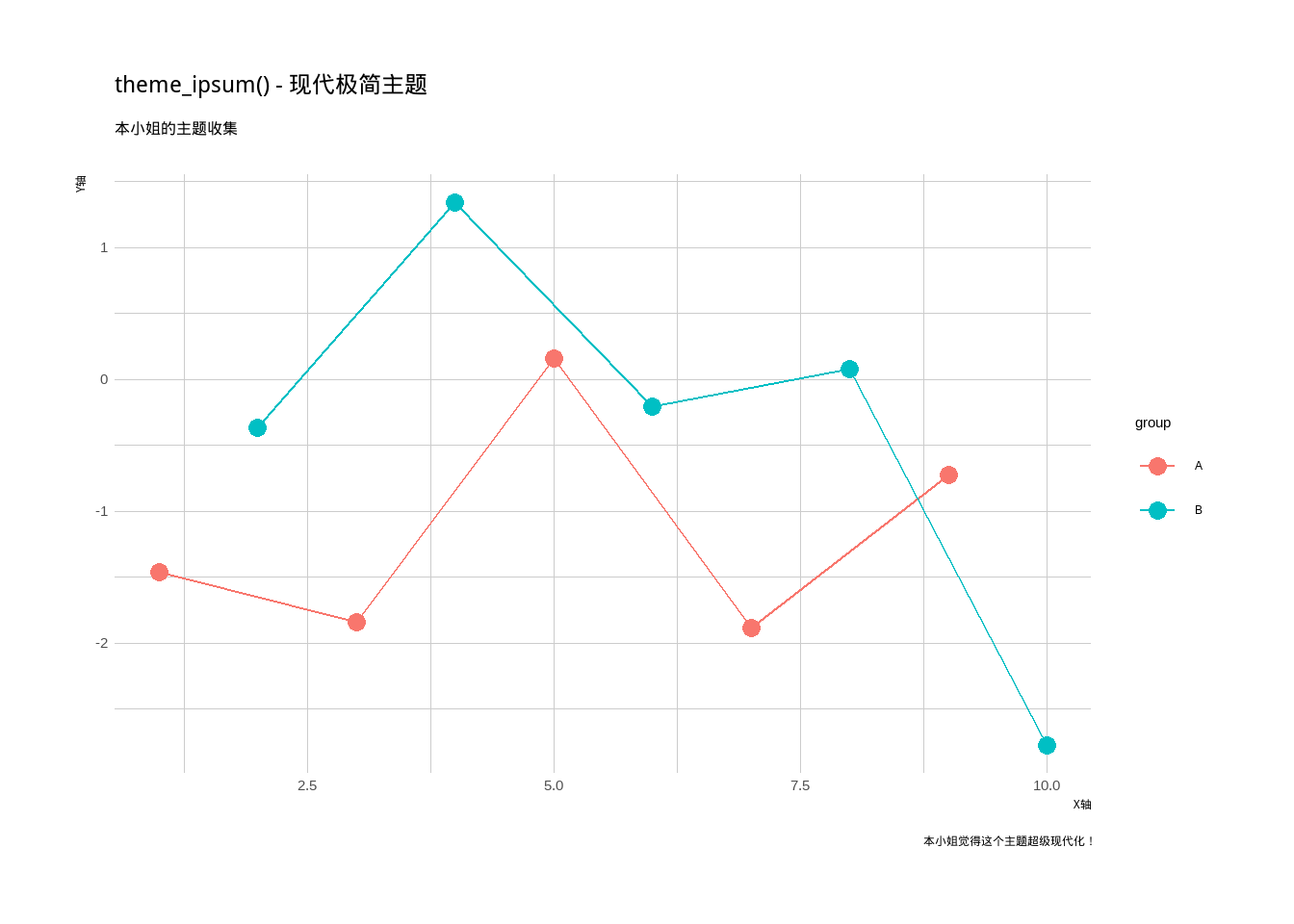
3.1 theme_ipsum() - 现代极简主题
Show/Hide Code
p_ipsum <- base_plot +
  theme_ipsum() +
  labs(title = "theme_ipsum() - 现代极简主题",
       caption = "本小姐觉得这个主题超级现代化!")
p_ipsum
现代化的极简主题!使用了更好的字体和间距!(哇,这个主题看起来就像是2020年代的设计!)
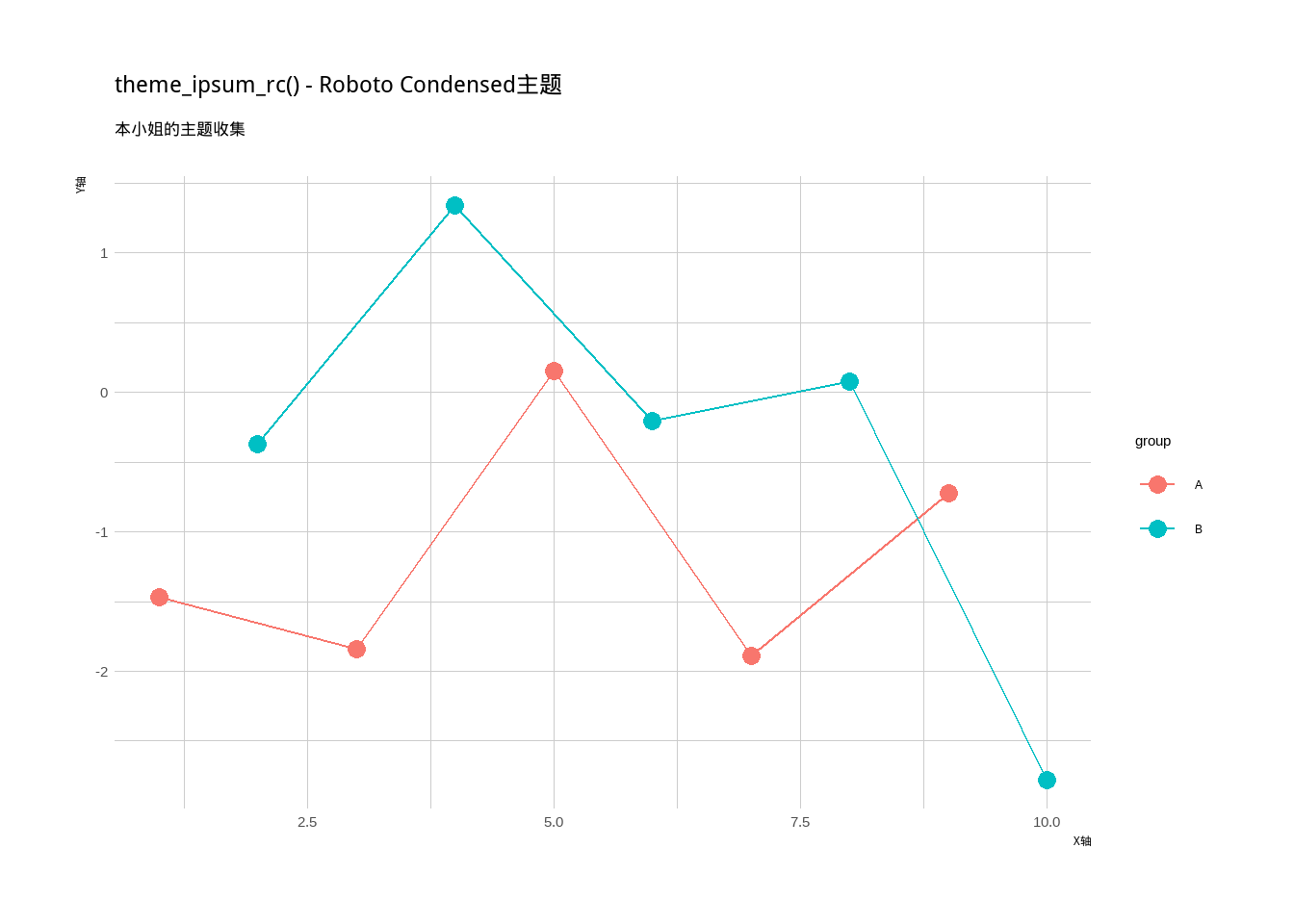
3.2 theme_ipsum_rc() - Roboto Condensed主题
Show/Hide Code
p_ipsum_rc <- base_plot +
  theme_ipsum_rc() +
  labs(title = "theme_ipsum_rc() - Roboto Condensed主题")
p_ipsum_rc
使用Roboto Condensed字体的主题!(好可爱的字体,看起来很现代很科技!)
4. ggpubr 包主题 - 发表级图表 。◕‿◕。
ggpubr 包专门为学术发表设计的主题!
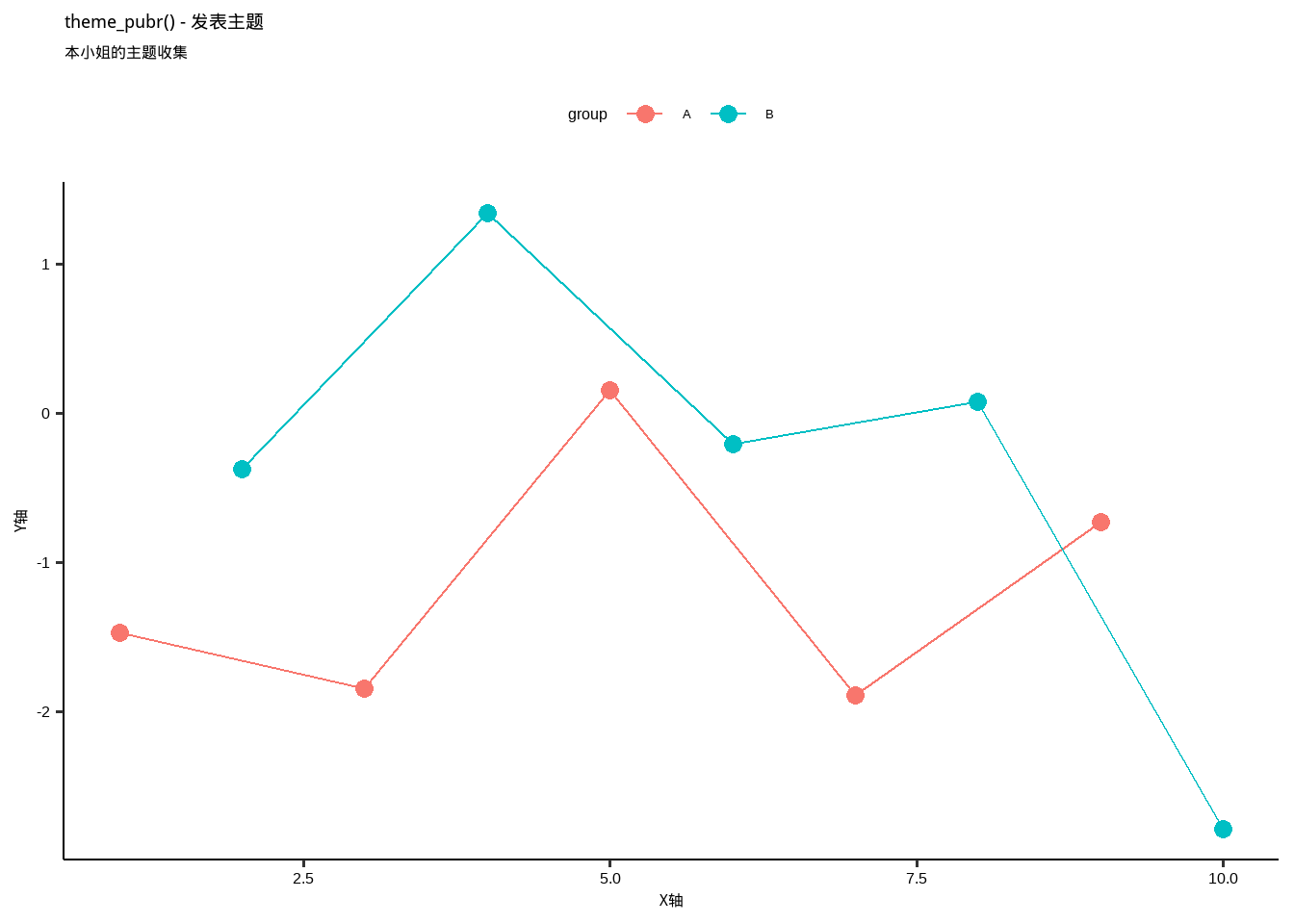
4.1 theme_pubr() - 发表主题
Show/Hide Code
p_pubr <- base_plot +
  theme_pubr() +
  labs(title = "theme_pubr() - 发表主题")
p_pubr
专门为学术发表设计的主题!干净、清晰、专业!(本小姐用这个主题做的图表肯定能发顶级期刊!)
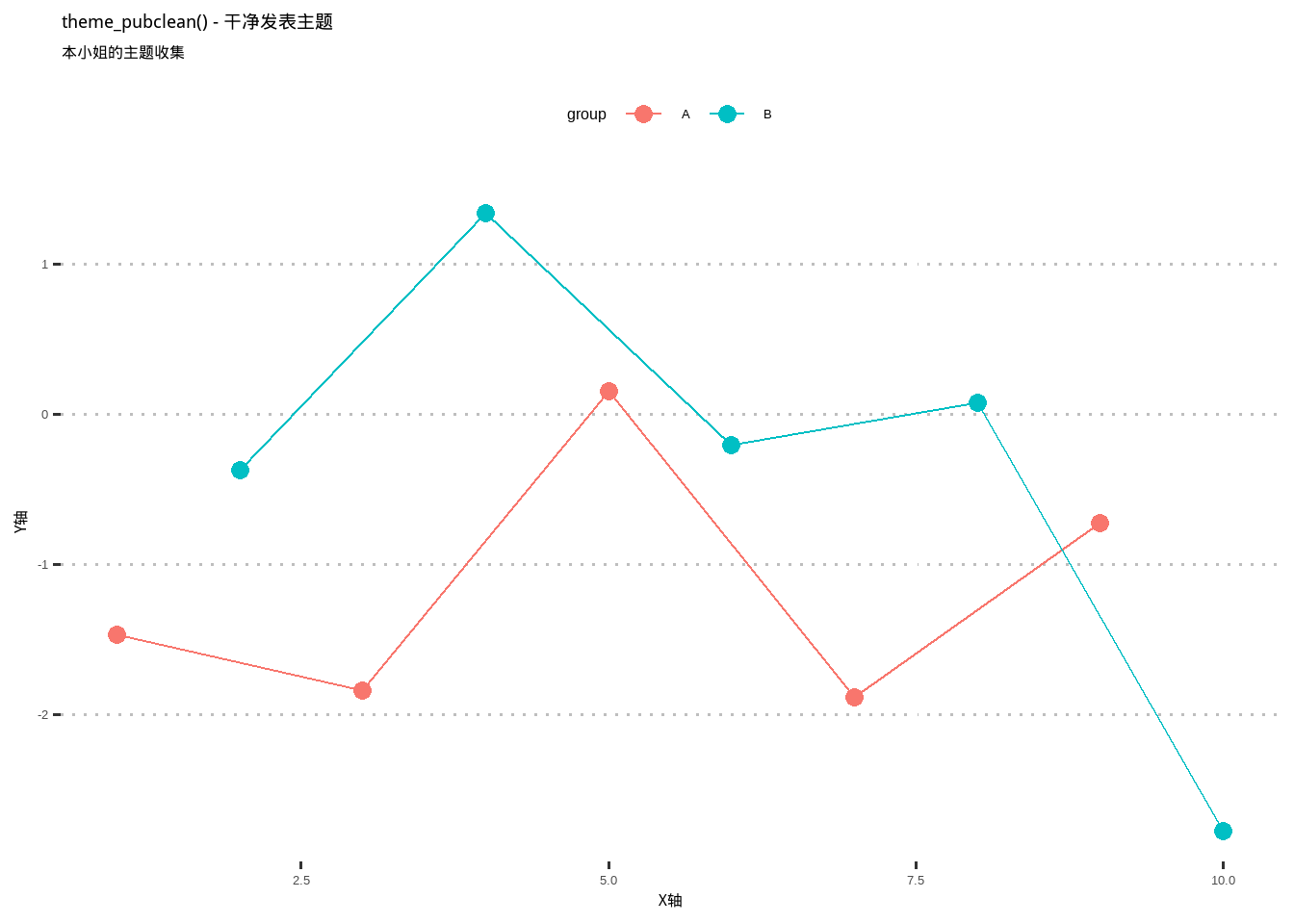
4.2 theme_pubclean() - 干净发表主题
Show/Hide Code
p_pubclean <- base_plot +
  theme_pubclean() +
  labs(title = "theme_pubclean() - 干净发表主题")
p_pubclean
更加干净的发表主题!(真是的,为什么学术界的审美都这么朴素啊~)
5. cowplot 包主题 - 组合图表专用 ✧。٩(ˊᗜˋ)و✧*。
cowplot 包不仅能组合图表,还提供了很棒的主题!
Show/Hide Code
# install.packages("cowplot")
library(cowplot)
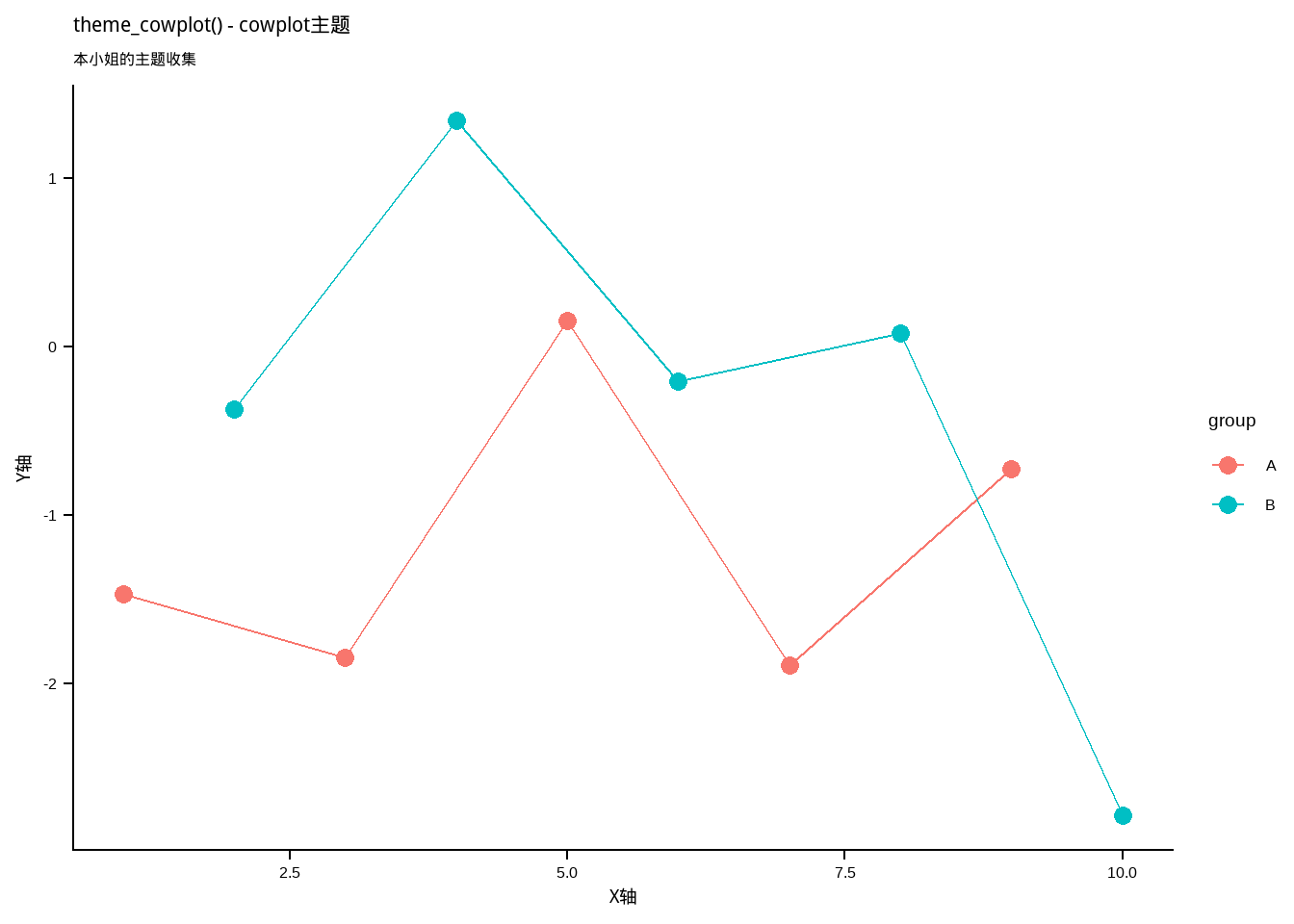
5.1 theme_cowplot() - cowplot主题
Show/Hide Code
p_cowplot <- base_plot +
  theme_cowplot() +
  labs(title = "theme_cowplot() - cowplot主题")
p_cowplot
cowplot 包的默认主题!简洁,适合做组合图!(该死,这个主题居然这么好看!)
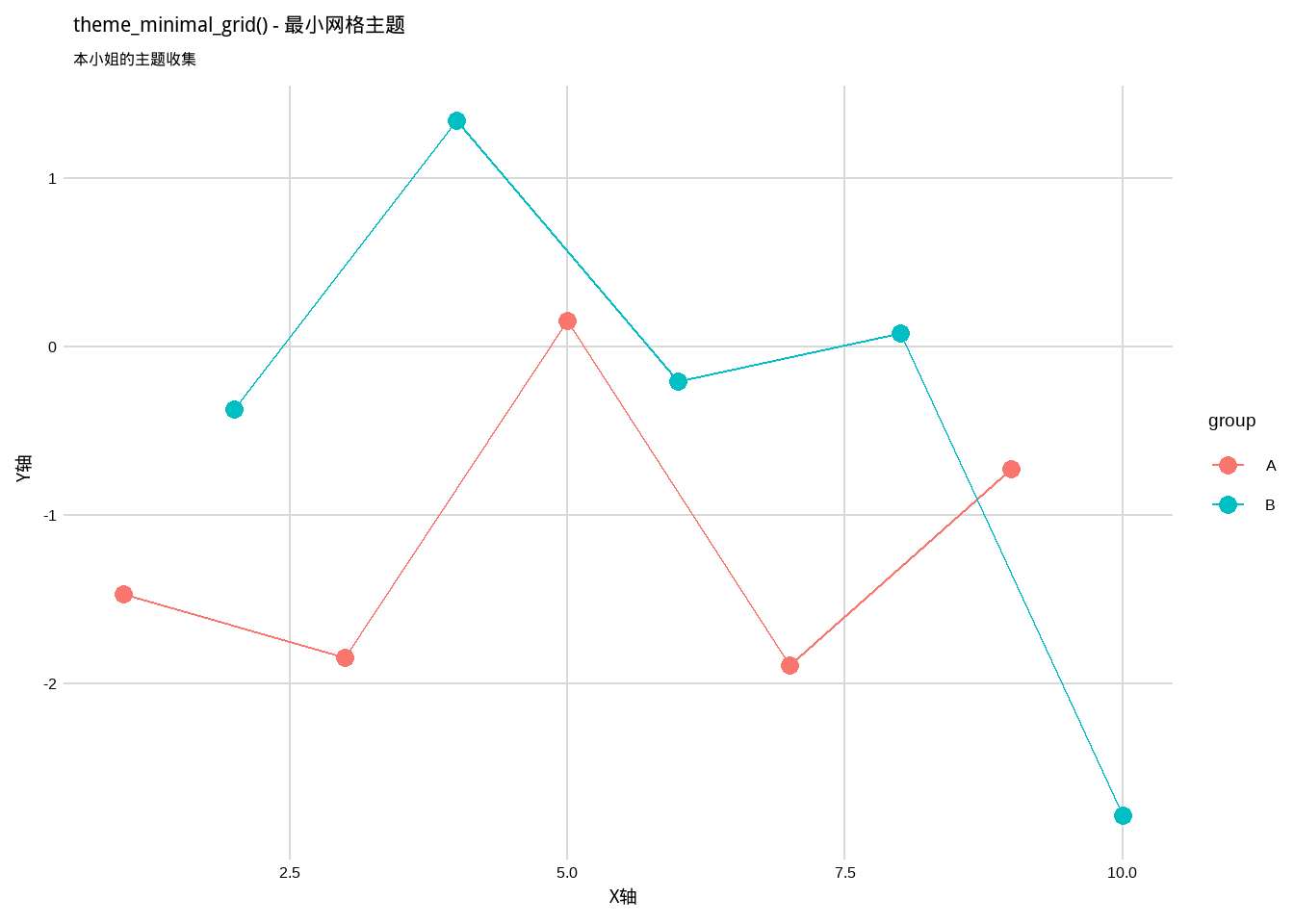
5.2 theme_minimal_grid() - 最小网格主题
Show/Hide Code
p_minimal_grid <- base_plot +
  theme_minimal_grid() +
  labs(title = "theme_minimal_grid() - 最小网格主题")
p_minimal_grid
只保留必要网格线的主题!(本小姐觉得这个平衡得刚刚好!)
6. ggdark 包 - 暗黑系主题 (๑•̀ㅂ•́)و✧
专门的暗黑主题包!中二少女的最爱!
Show/Hide Code
# install.packages("ggdark")
library(ggdark)
6.1 dark_theme_gray() - 暗黑灰色主题
Show/Hide Code
p_dark_gray <- base_plot +
  dark_theme_gray() +
  labs(title = "dark_theme_gray() - 暗黑灰色主题")
p_dark_gray
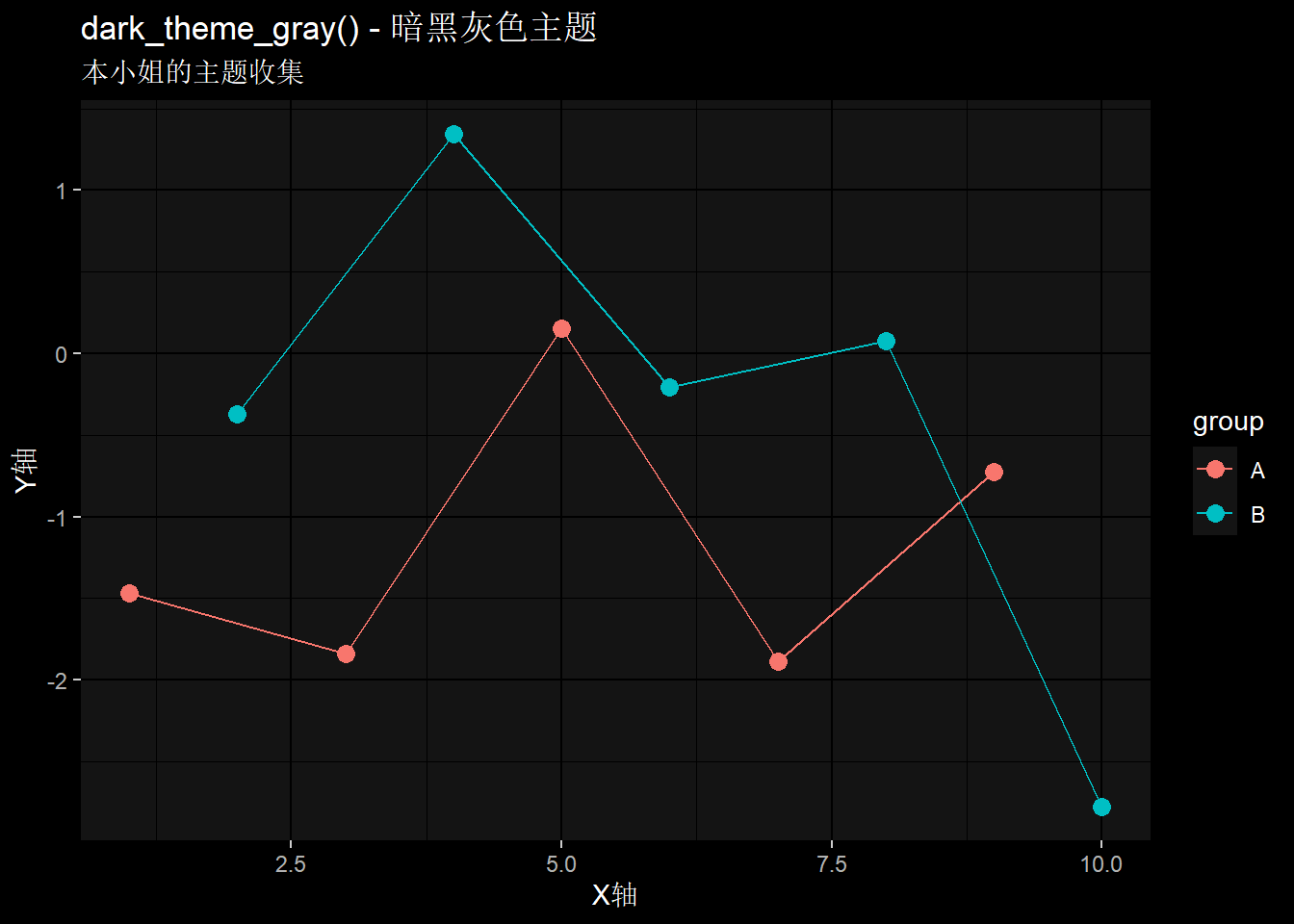
暗黑版的灰色主题!(哇!这个主题太酷了!本小姐的中二之魂完全燃烧起来了!)
6.2 dark_theme_minimal() - 暗黑极简主题
Show/Hide Code
p_dark_minimal <- base_plot +
  dark_theme_minimal() +
  labs(title = "dark_theme_minimal() - 暗黑极简主题")
p_dark_minimal
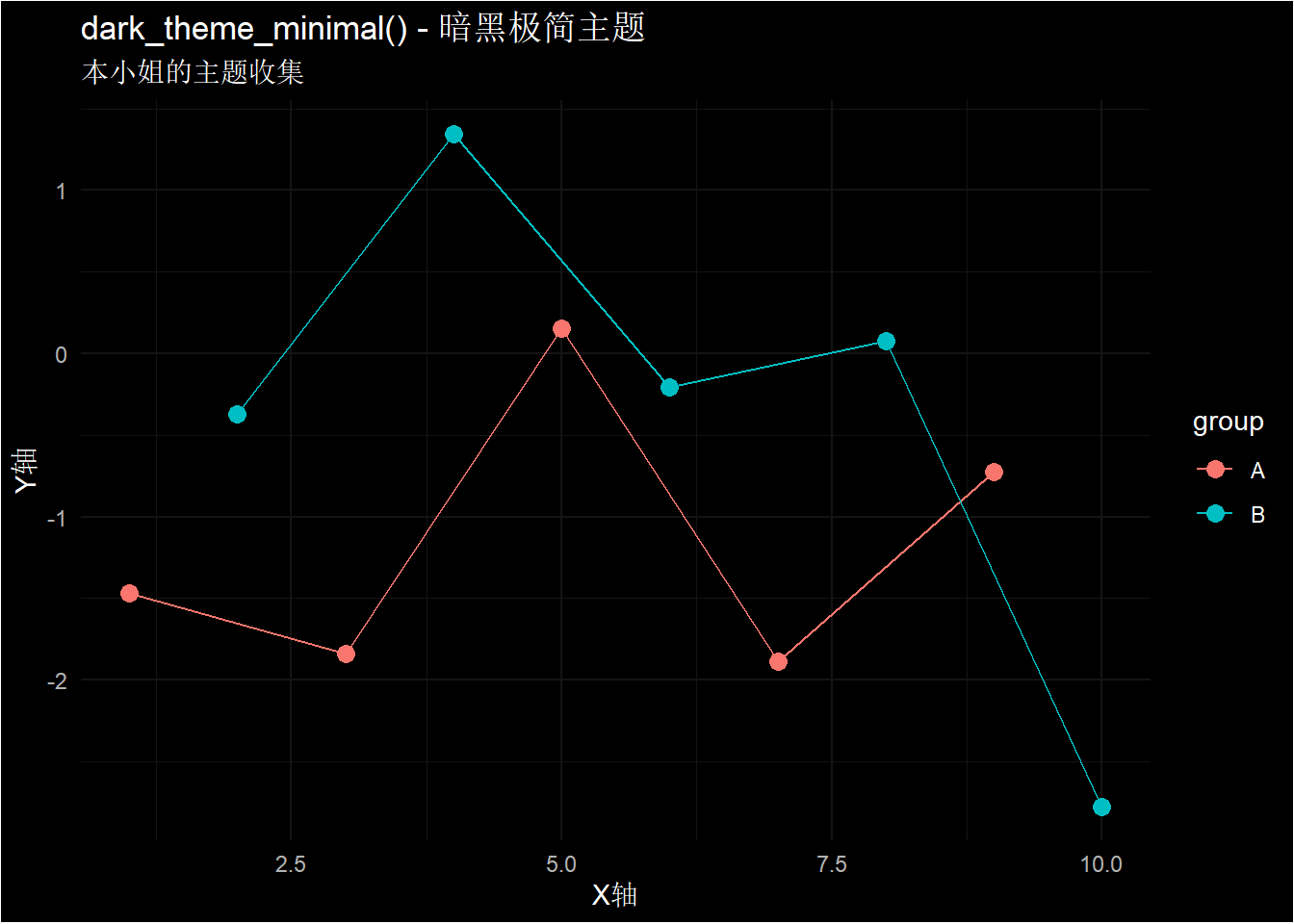
暗黑版的极简主题!(见鬼了,这简直就是本小姐梦想中的主题!)
7. tvthemes 包 - 影视主题 ♪(´▽`)
专门为影视作品设计的主题包!二次元爱好者必备!
Show/Hide Code
# install.packages("tvthemes")
library(tvthemes)
7.1 theme_avatar() - 阿凡达主题
Show/Hide Code
p_avatar <- base_plot +
  theme_avatar() +
  scale_color_avatar() +
  labs(title = "theme_avatar() - 阿凡达主题")
p_avatar
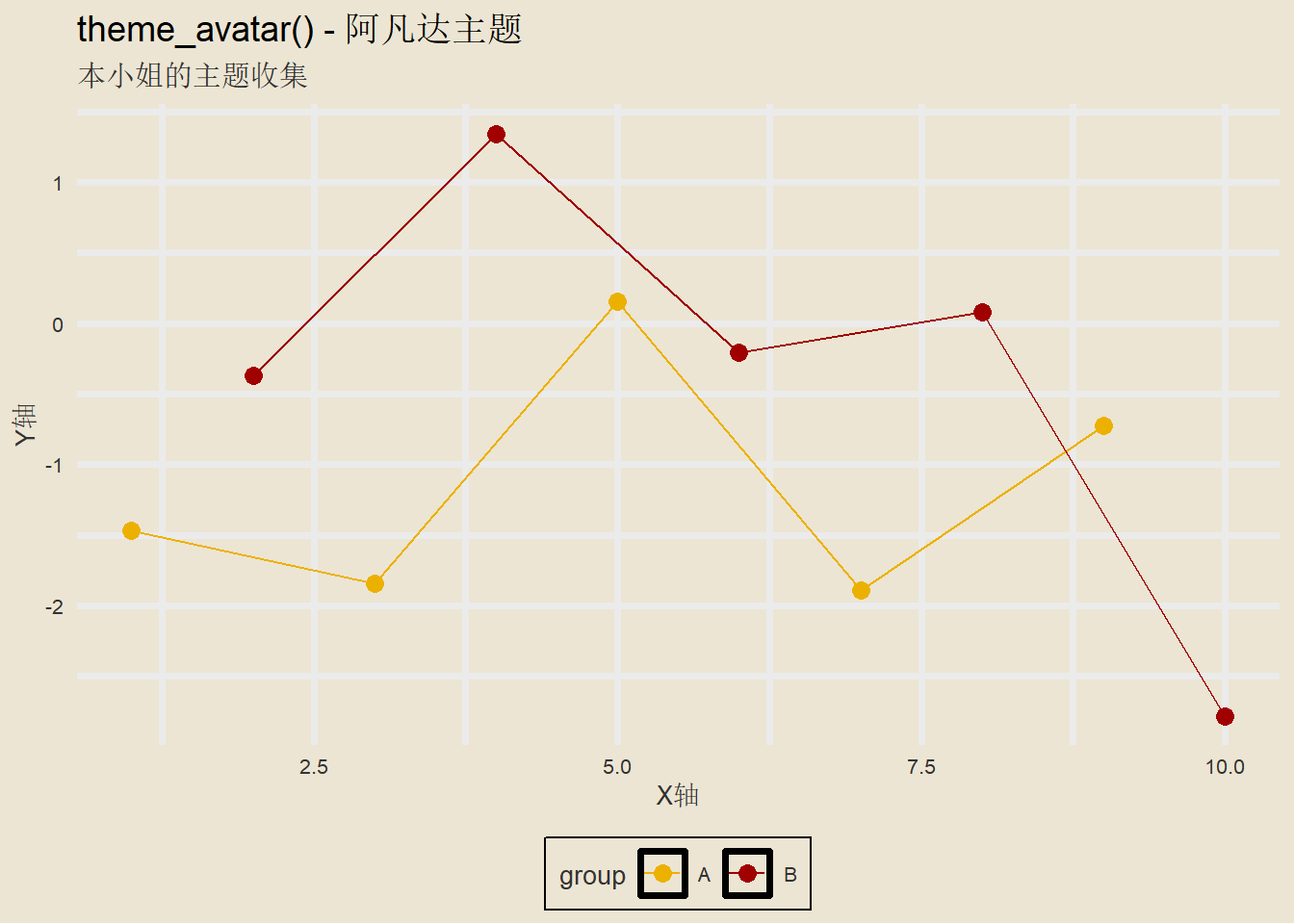
阿凡达的配色主题!(虽然不是二次元,但是颜色很棒呢!)
7.2 theme_rickAndMorty() - 瑞克和莫蒂主题
Show/Hide Code
p_rick <- base_plot +
  theme_rickAndMorty() +
  scale_color_rickAndMorty() +
  labs(title = "theme_rickAndMorty() - 瑞克和莫蒂主题")
p_rick
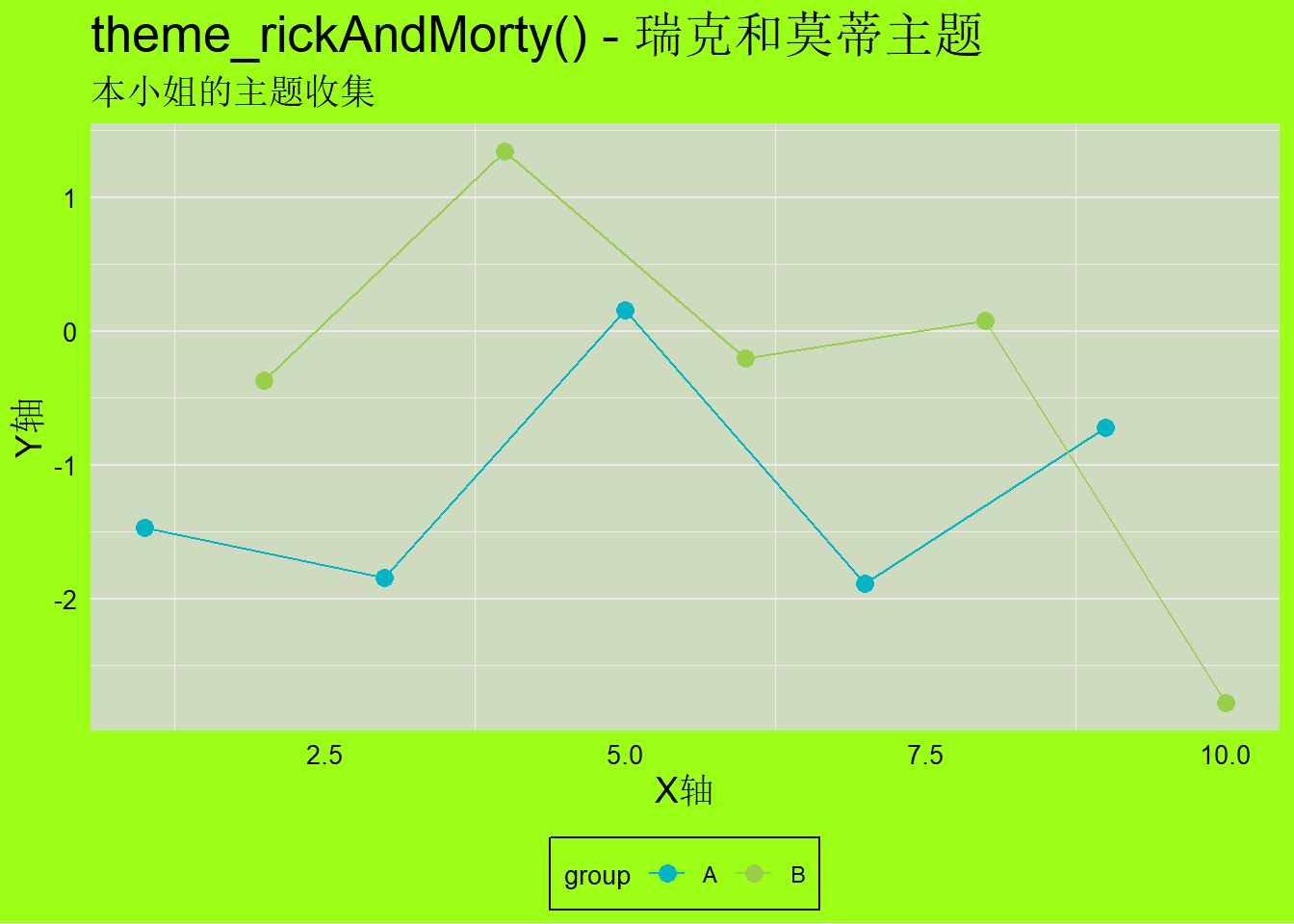
瑞克和莫蒂的疯狂配色!(可恶,这个动画的画风太独特了!)
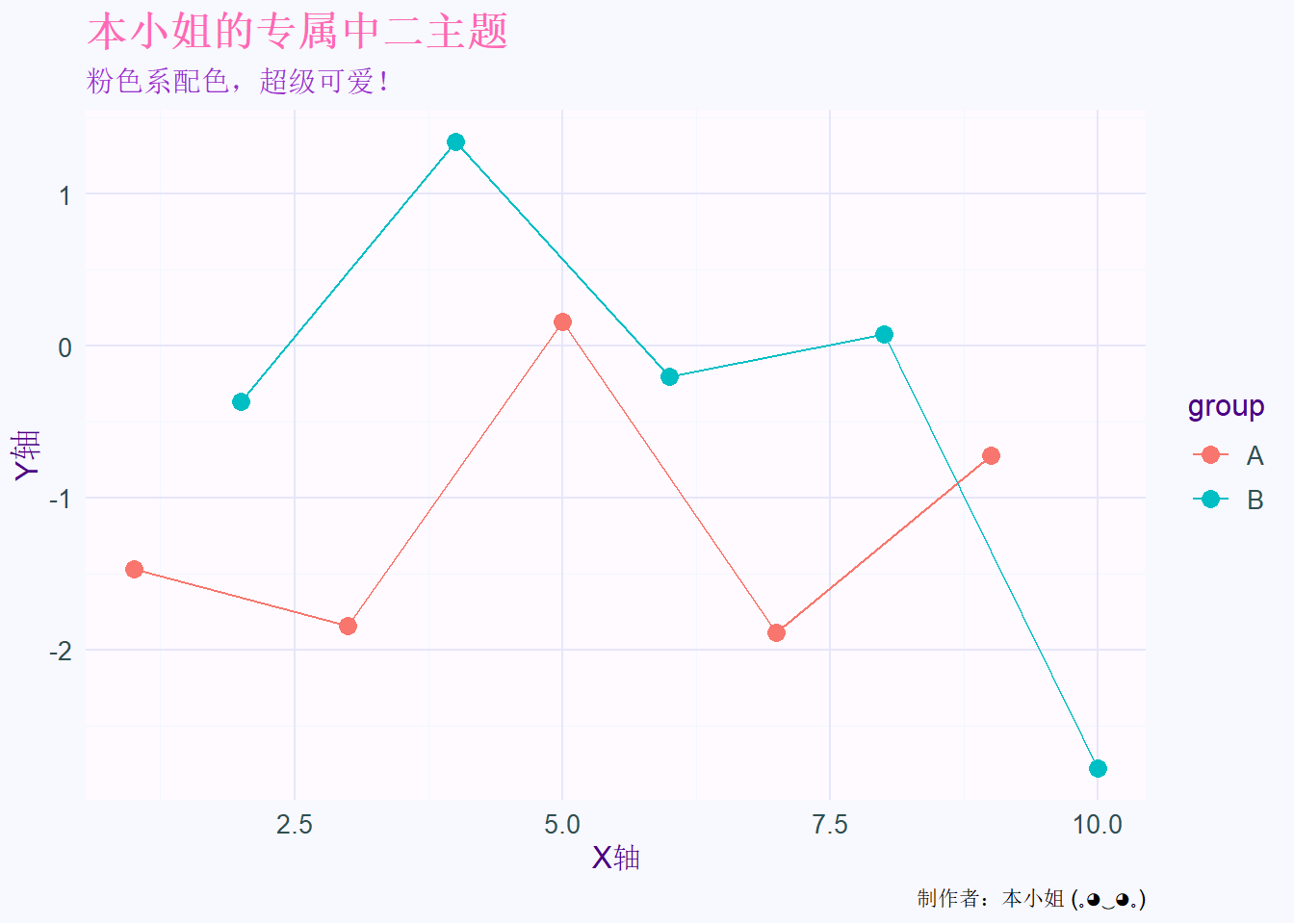
8. 自定义主题示例 (ノ>ω<)ノ
本小姐教你们如何创建自己的主题!
Show/Hide Code
# 本小姐的专属中二主题
theme_chuuni <- function() {
  theme_minimal() +
  theme(
    plot.title = element_text(size = 16, face = "bold", color = "#FF69B4"),
    plot.subtitle = element_text(size = 12, color = "#9932CC"),
    axis.title = element_text(size = 12, color = "#4B0082"),
    axis.text = element_text(size = 10, color = "#2F4F4F"),
    legend.title = element_text(size = 12, color = "#4B0082"),
    legend.text = element_text(size = 10, color = "#2F4F4F"),
    panel.grid.major = element_line(color = "#E6E6FA", size = 0.5),
    panel.grid.minor = element_line(color = "#F0F8FF", size = 0.25),
    plot.background = element_rect(fill = "#F8F8FF", color = NA),
    panel.background = element_rect(fill = "#FFFAFF", color = NA)
  )
}

# 使用本小姐的专属主题
p_chuuni <- base_plot +
  theme_chuuni() +
  labs(title = "本小姐的专属中二主题",
       subtitle = "粉色系配色,超级可爱!",
       caption = "制作者:本小姐 (。◕‿◕。)")
p_chuuni
9. 主题使用小贴士 ♡(˃͈ દ ˂͈ ༶ )
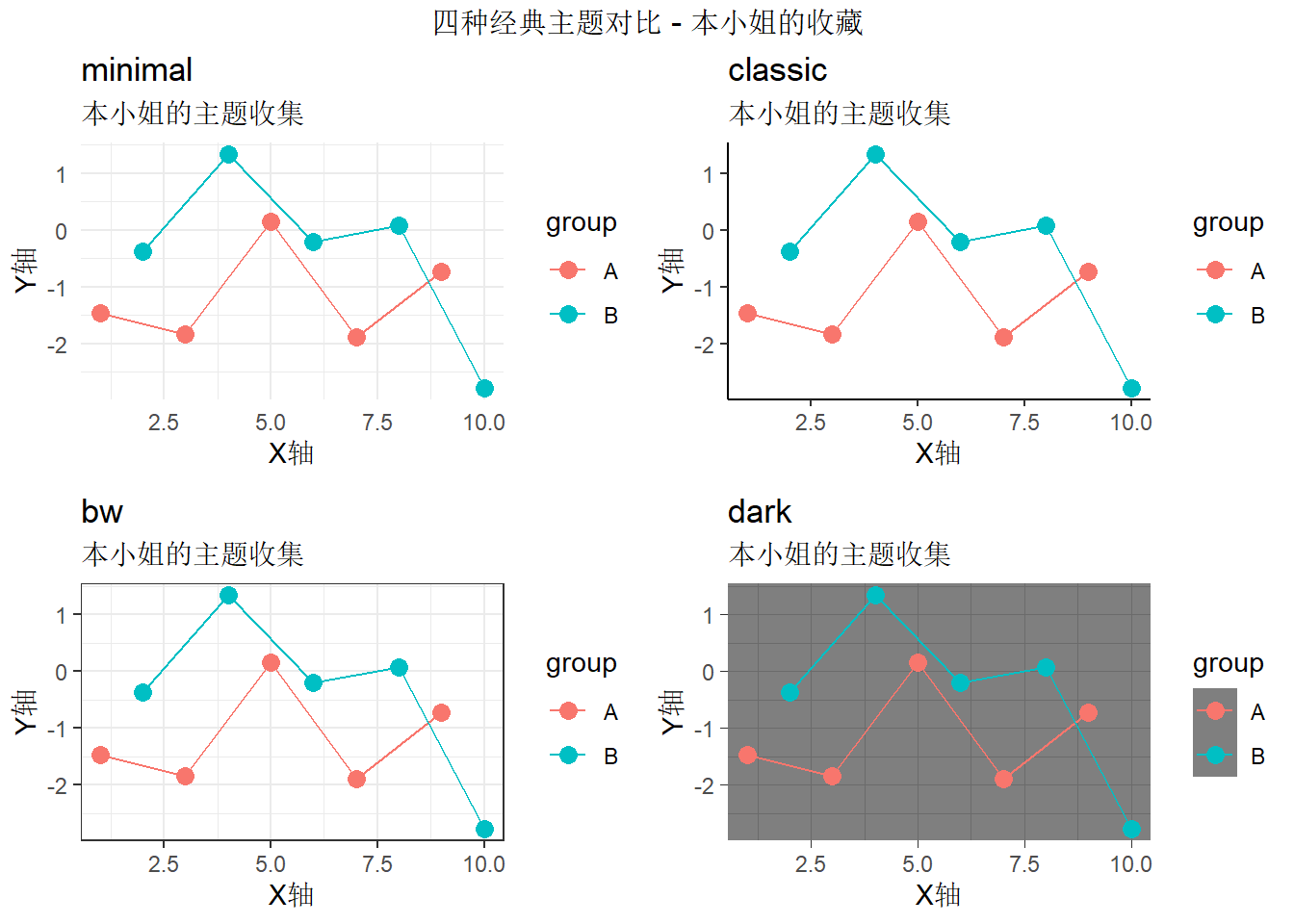
9.1 批量展示不同主题
Show/Hide Code
# 创建多个主题的对比图
theme_comparison <- function() {
  p1 <- base_plot + theme_minimal() + labs(title = "minimal")
  p2 <- base_plot + theme_classic() + labs(title = "classic")
  p3 <- base_plot + theme_bw() + labs(title = "bw")
  p4 <- base_plot + theme_dark() + labs(title = "dark")

  grid.arrange(p1, p2, p3, p4, nrow = 2,
               top = "四种经典主题对比 - 本小姐的收藏")
}

theme_comparison()
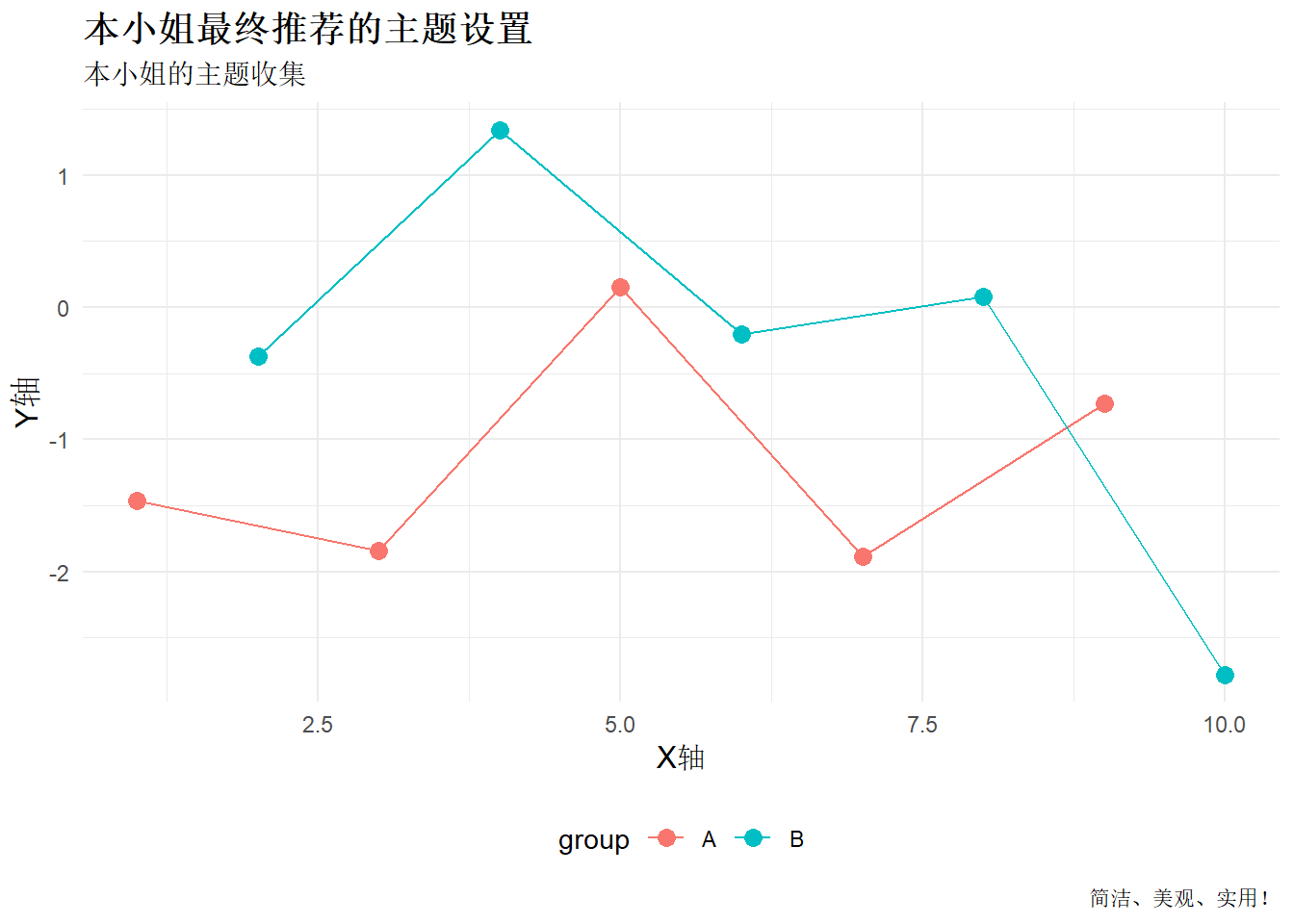
9.2 保存自定义主题
Show/Hide Code
# 保存本小姐最喜欢的主题设置
my_favorite_theme <- theme_minimal() +
  theme(
    text = element_text(family = "Arial"),
    plot.title = element_text(size = 14, face = "bold"),
    axis.title = element_text(size = 12),
    legend.position = "bottom"
  )

# 应用到图表
final_plot <- base_plot +
  my_favorite_theme +
  labs(title = "本小姐最终推荐的主题设置",
       caption = "简洁、美观、实用!")
final_plot
总结 (≧∀≦)ゞ
哼!本小姐已经把所有重要的ggplot2主题都介绍给你们了!
内置主题:
theme_gray() - 默认主题theme_bw() - 黑白主题
theme_minimal() - 极简主题theme_classic() - 经典主题theme_void() - 空白主题theme_dark() - 暗黑主题theme_light() - 明亮主题theme_linedraw() - 线条主题
扩展包主题:
- ggthemes: economist, wsj, fivethirtyeight, tufte, excel, gdocs等
- hrbrthemes: ipsum系列现代化主题
- ggpubr: 学术发表专用主题
- cowplot: 组合图表专用主题
- ggdark: 暗黑系主题
- tvthemes: 影视作品主题
记住,选择主题要根据用途来决定:
- 学术论文用
theme_pubr() 或 theme_classic()
- 商业报告用
theme_economist() 或 theme_wsj()
- 现代化展示用
theme_ipsum() 系列
- 中二少女专用当然是本小姐的自定义主题啦!
真是的,本小姐费了这么大功夫整理,你们要好好学习使用哦!(。◕‿◕。)
制作者:本小姐
“用最美的主题,做最棒的图表!” - 本小姐语录